PDF to DST Converter — Free Online Preview
Convert PDF to DST online. Upload the PDF your printer or designer sent you and get a hand-digitized Tajima DST embroidery file — vector or scanned, single page or full brand guide.
Convert PDF to DST online
- Output
- Tajima .DST
- Input
- Vector or scanned PDF
- Multi-page
- Tell us the page
- Delivery
- ~1 hour
- 100% hand-digitized
- Delivered in about 1 hour
- Unlimited free revisions
How it works
How to convert PDF to DST
Most logos arrive as a PDF from a printer or designer. You can send it straight in.
- 01logo-final.pdfPDF · 2 pages1 minute
Upload the PDF
Drop in the PDF and choose hoop and garment. If it has several pages, mention which one.
- Vector PDFs give the sharpest result
- Scanned PDFs work too
- 02About 1 hour
Logo pulled out and digitized
We take the logo out of the page, clean it up and digitize every stitch by hand.
- Text and colors kept as designed
- Margins and crop marks ignored
- 03LOGO.DST3 colorsNeedle 1Needle 2Needle 3Ready to stitch
Download the DST
Load it on your machine and stitch. Free revisions after your test sew-out.
- PDF proof with thread colors
- PES, JEF and EXP included
Vector vs scanned
Not all PDFs are the same
A PDF can hold sharp vector shapes or just a photo of a page. Both can be digitized — vector PDFs simply need less redrawing.
| Feature | Scanned PDF | Vector PDF |
|---|---|---|
| Can be digitized | ||
| Edges stay sharp when zoomed | ||
| Exact fonts available | Usually | |
| Exact brand colors | Approximate | |
| Needs redrawing first | Yes |
Checklist
What’s in your PDF?
Not sure what kind of PDF you have? Here’s what we can do with each.
| PDF contains | Works? | What we do | Common source |
|---|---|---|---|
| Vector logo | Yes | Digitize straight from the shapes | Designer or print shop |
| Scanned page | Yes | Redraw the logo cleanly, then digitize | Office scanner |
| Brand guidelines | Yes | Use the logo page you point us to | Marketing team |
| Logo + lots of text | Yes | Stitch only the logo unless you ask | Flyers, menus |
| Password-protected | No | Remove the password and re-upload | Secured exports |
Examples
From PDF to stitches
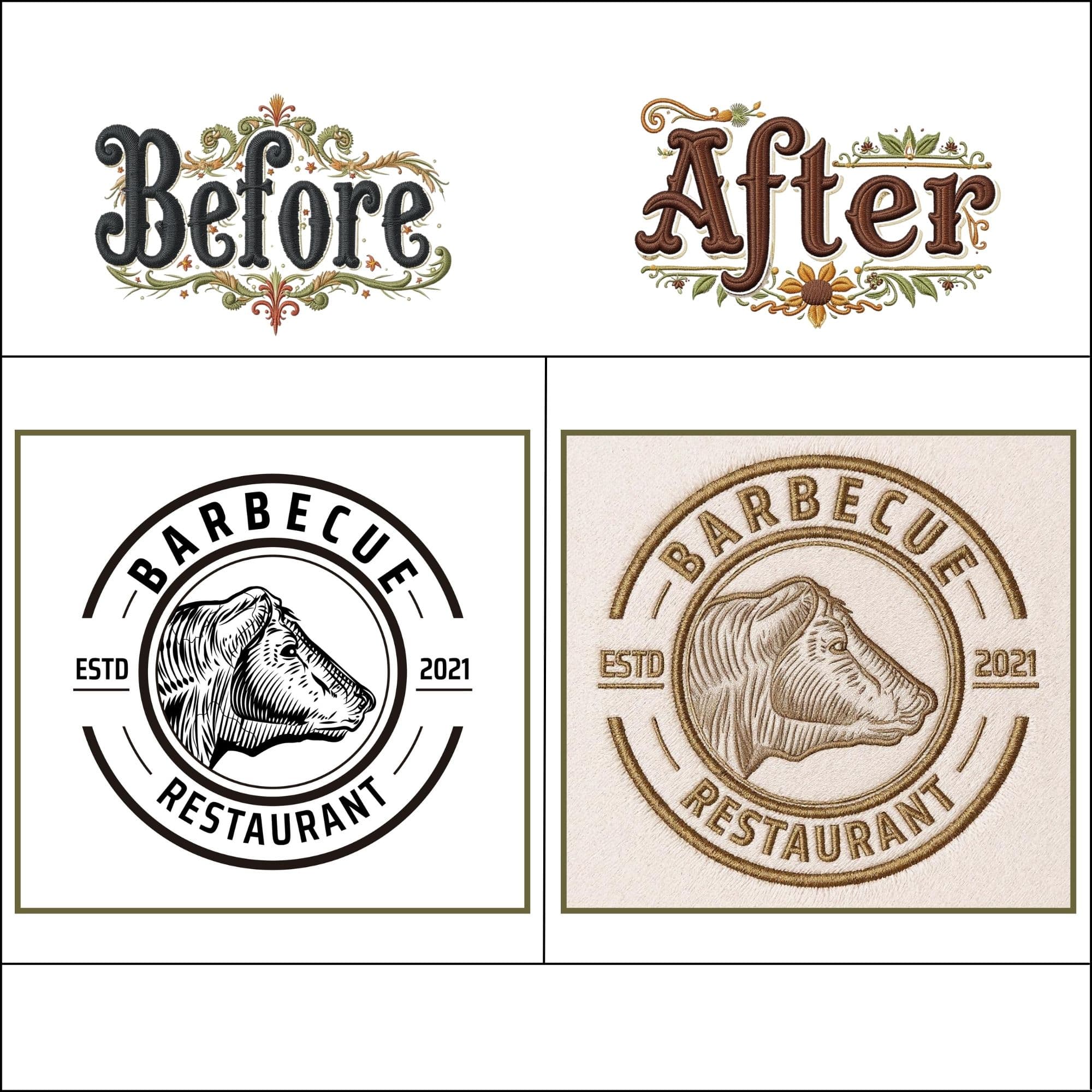
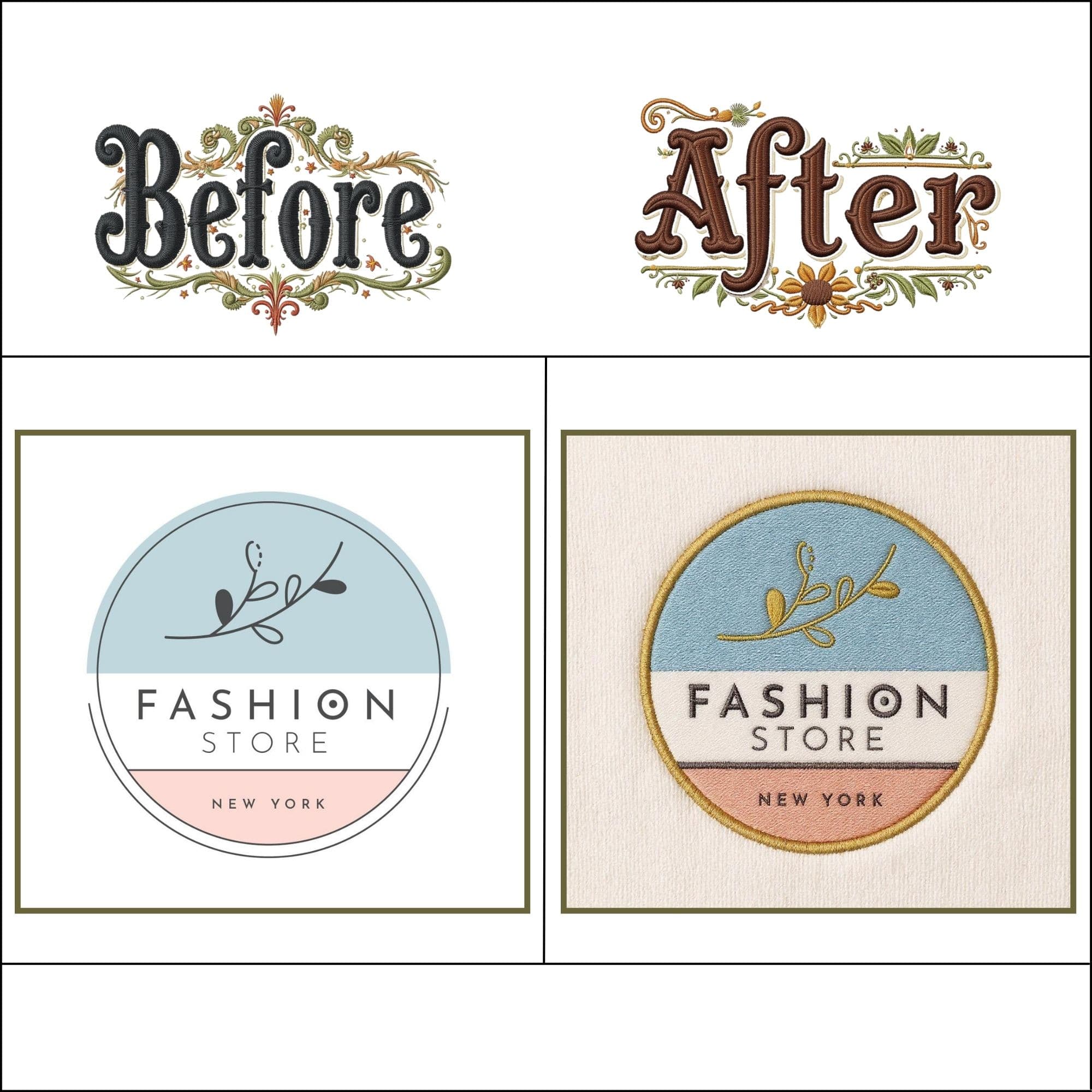
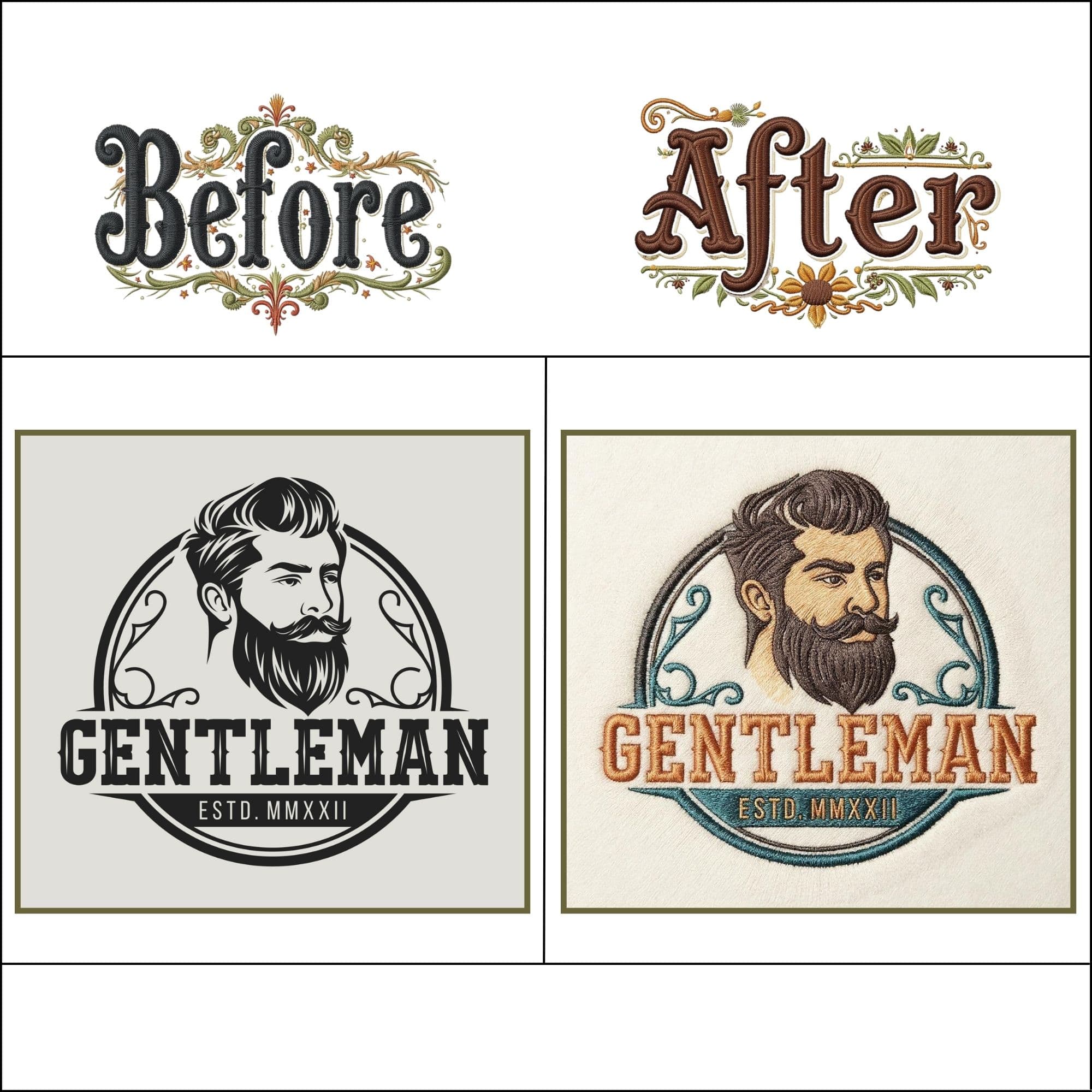
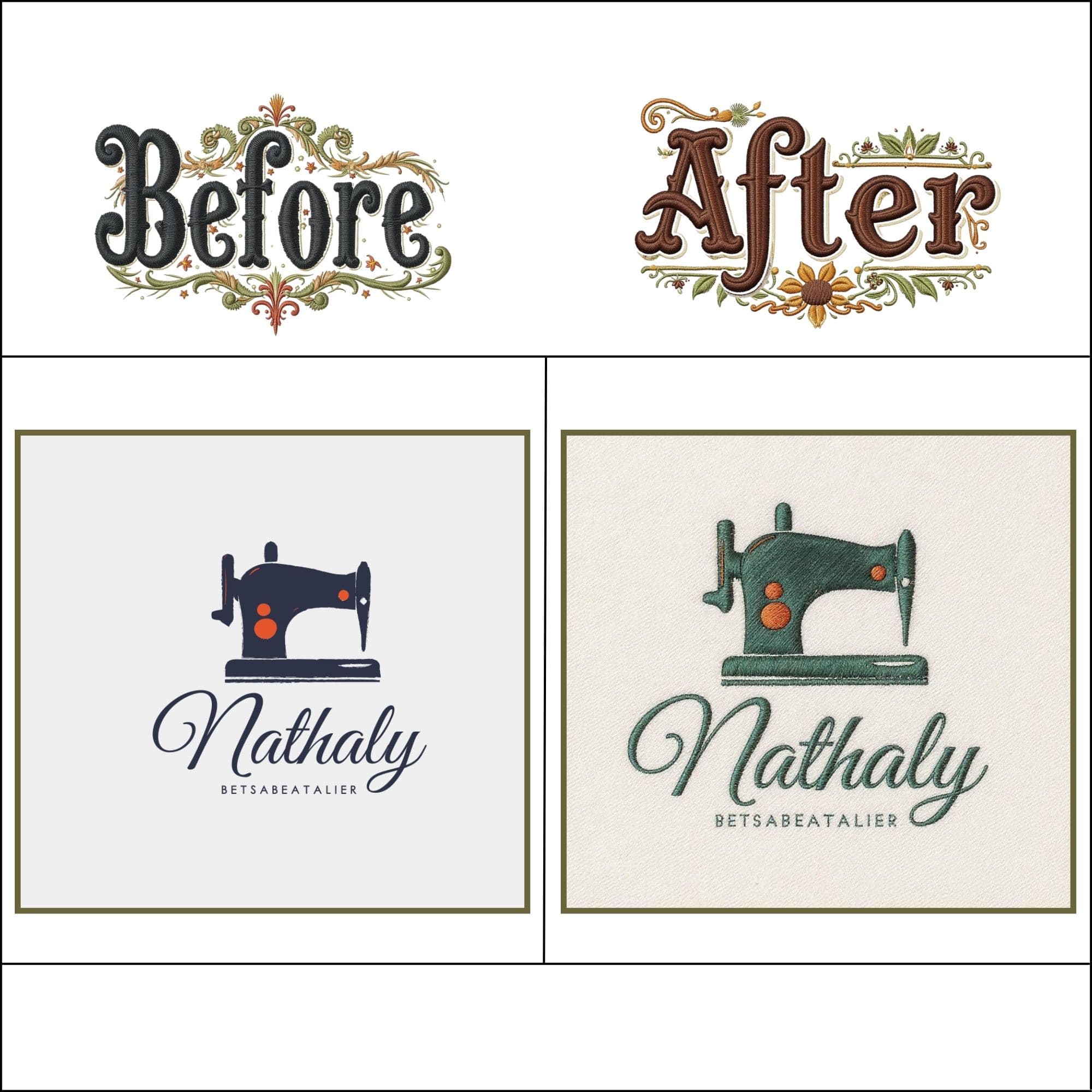
How do I know if my PDF is vector?
Zoom in a lot. If edges stay sharp and you can select text, it’s vector. If it gets blocky, it’s a scan or image. Either way, we can digitize it.
My PDF has many pages. Which one do you use?
Tell us the page number or describe the logo in the order notes. If it’s a brand guide, we use the main logo unless you say otherwise.
Can you convert a PDF menu or flyer?
We digitize the logo from it. Long paragraphs of text are not practical to embroider, so we leave them out unless you ask.
Why doesn’t my PDF show a preview here?
Browsers can’t render PDFs inside this tool. The file still uploads, and our digitizer opens it directly.
Do I get other formats too?
Yes. You receive DST plus PES, JEF, EXP and a PDF proof sheet at no extra cost.
Got a logo in a PDF?
- From $4.99
- Delivered in about 1 hour
- Free revisions