SVG to DST Converter — Free Online Preview
Convert SVG to DST online. Upload your SVG vector logo and get a hand-digitized Tajima DST file with crisp satin edges, ready for commercial and home embroidery machines.
Convert SVG to DST online
- Output
- Tajima .DST
- Input
- SVG vector
- Edges
- Satin borders
- Delivery
- ~1 hour
- 100% hand-digitized
- Delivered in about 1 hour
- Unlimited free revisions
How it works
How to convert SVG to DST
Vector artwork is the best possible starting point — here is what happens to it.
- 01brand-mark.svgVector · 3 paths1 minute
Upload your SVG
Export your logo as SVG from Illustrator, Figma, Canva or Inkscape and drop it in.
- Outline your text before exporting
- PNG or JPG also accepted
- 02About 1 hour
Paths become stitches
A digitizer picks a stitch type for each shape — satin, fill or run — and sets the order.
- Thin lines widened so they stitch
- Pull compensation built in
- 03BRAND.DST3 colorsNeedle 1Needle 2Needle 3Ready to stitch
Run the DST
Load it on any DST machine. The PDF proof shows colors, size and stitch count.
- Commercial and home machines
- PES, JEF and EXP included
Why vector
Why SVG is the best file to start from
An SVG describes shapes, not pixels. Edges stay sharp at any size, so the digitizer can follow your exact curves instead of guessing through blur.
| Feature | JPG / PNG | SVG |
|---|---|---|
| Sharp edges at any size | ||
| Exact curves and corners | Approximate | |
| No background to remove | PNG only | |
| Small text stays accurate | If large | |
| Easy to resize for caps and backs |
Compatibility
Machines that read DST files
DST is the most widely supported embroidery format. These are the brands our customers run it on most often.
| Brand | Reads DST | Typical use | Popular models |
|---|---|---|---|
| Tajima | Native | Commercial, multi-head | TMBR, TMEZ, TMAR |
| Ricoma | Yes | Small shops, multi-needle | EM-1010, MT-1501 |
| Barudan | Yes | Commercial, multi-head | Elite, Pro series |
| SWF | Yes | Commercial, multi-head | E-T, MAS series |
| Happy | Yes | Compact multi-needle | Voyager, Journey |
| Brother PR | Yes | Home business, multi-needle | PR680W, PR1055X |
Examples
Vector logos, stitched
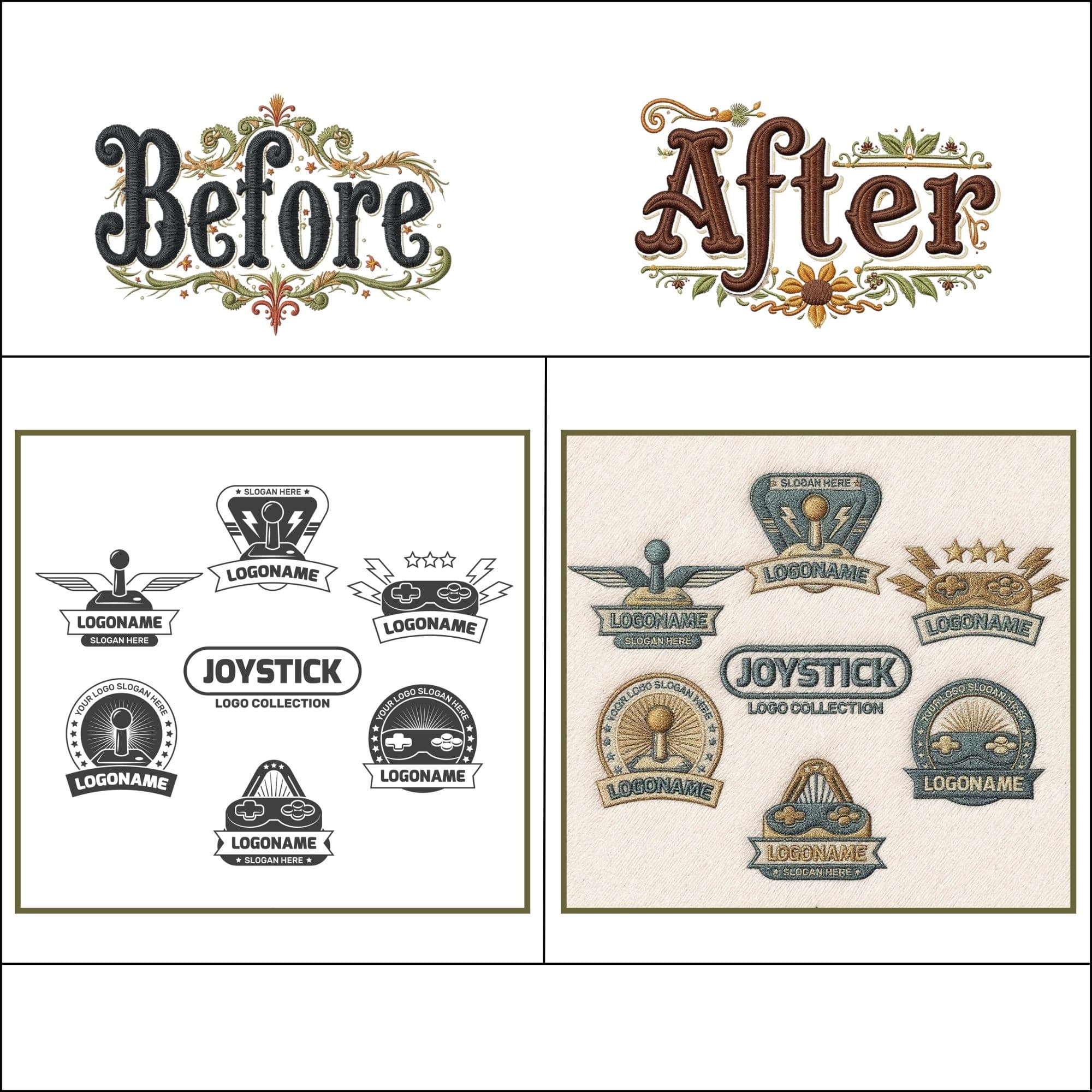
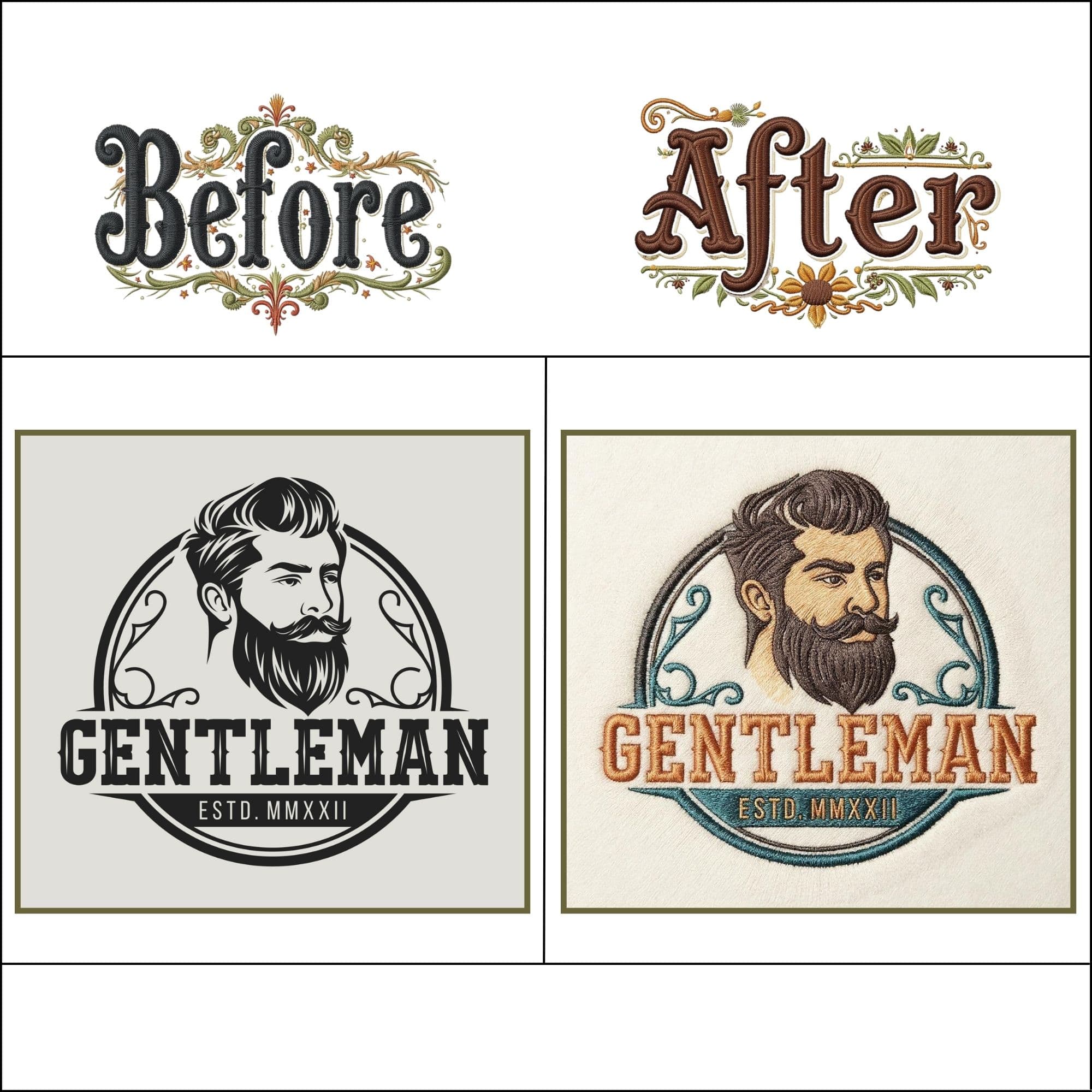
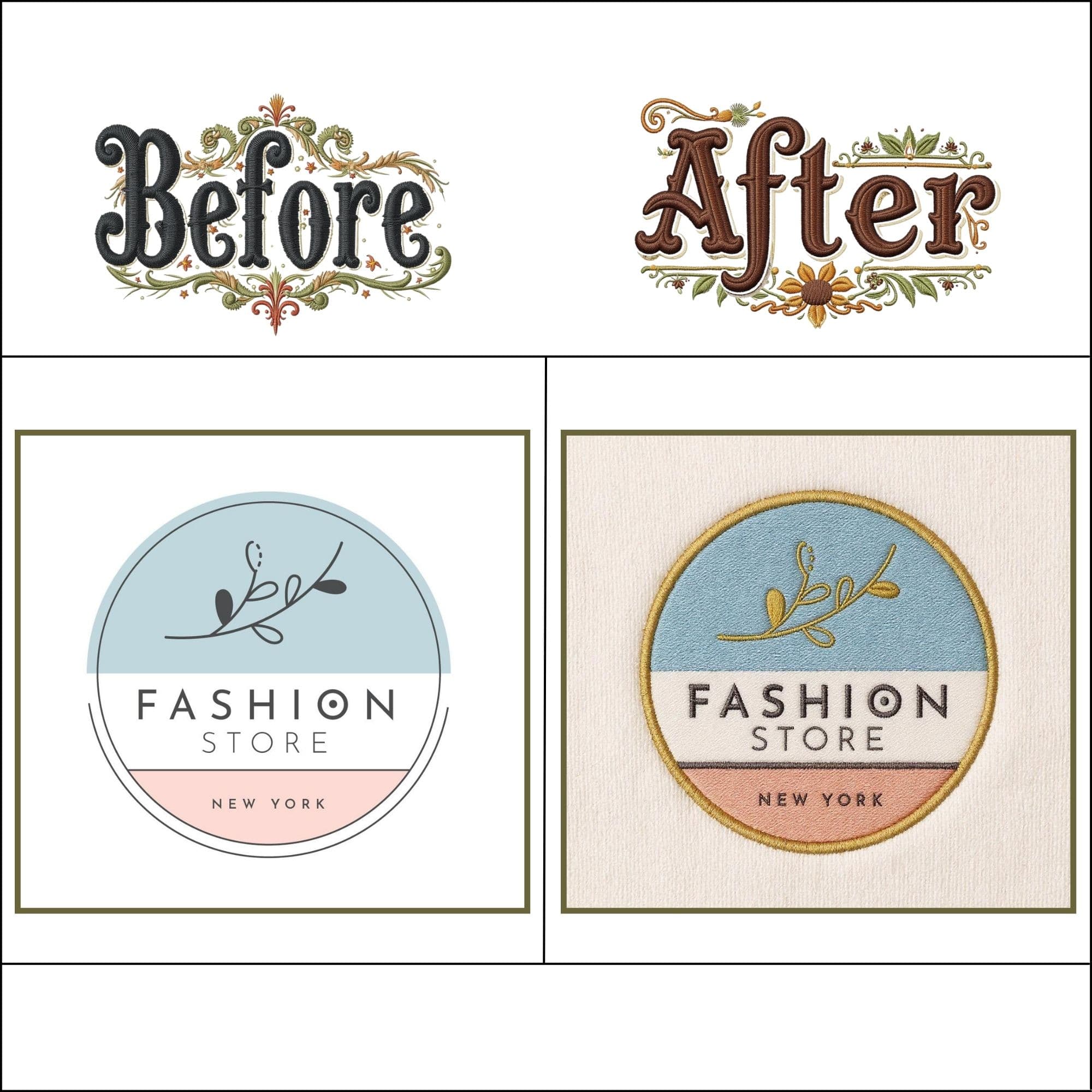
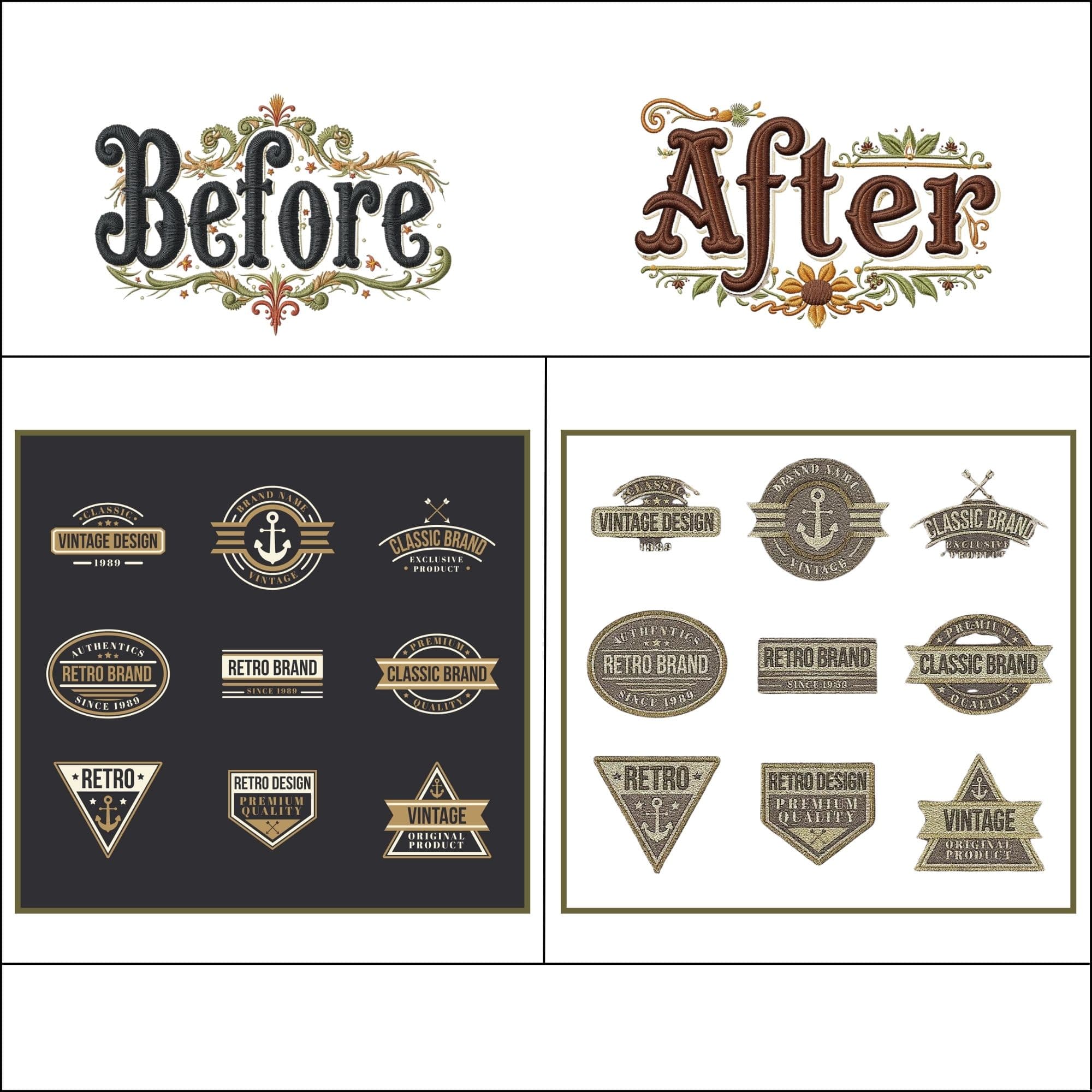
Can software convert SVG to DST automatically?
Some programs can map paths to stitches, but they can’t judge fabric, underlay or which lines are too thin to stitch. Hand digitizing makes those calls so the design sews out cleanly.
Should I convert my text to outlines?
Yes, if you can. Outlined text makes sure we see the exact font. If you can’t, tell us the font name in the order notes.
My SVG has gradients. Will they work?
Embroidery uses solid thread colors, so gradients are turned into a few shades or a blended fill. We’ll pick what stitches best.
What is the smallest text that will stitch?
About 0.25 in (6 mm) tall for most fonts. Smaller text is possible with thin thread, but we’ll warn you if it won’t be readable.
Can I get other formats too?
Yes. Along with DST you receive PES, JEF, EXP and a PDF proof at no extra cost.
Turn your SVG into stitches
- From $4.99
- Delivered in about 1 hour
- Free revisions