JPG to DST Converter
Convert JPG, JPEG, and graphic images into machine-ready Tajima DST embroidery files online. Features automated color quantization, tatami underlay, and precision stitch pathing for commercial multi-needle equipment.
Bundle of Jungle Sticks with Green Vine
.DST ReadyHow to Convert JPG to DST Embroidery Files
Transform any raster JPEG logo, photo, or drawing into high-precision Tajima DST embroidery stitch paths in three simple steps.
Upload JPG or JPEG Artwork
Drop your JPG logo, photo, or graphic into the converter. High-contrast artwork produces clean satin borders and accurate needle penetration points.
Auto-Digitize & Underlay Lattice
Raster pixels are translated into vector stitch paths. Automated pull compensation (+0.35mm) and tatami underlays prevent fabric distortion.
Download Machine-Ready DST
Download your verified Tajima .DST binary file, complete with stitch coordinates and trim commands, ready for multi-needle embroidery machines.
What is a JPG to DST Converter?
A JPG to DST converter is a specialized embroidery digitizing engine that translates flat raster pixel graphics (JPEG/JPG) into industrial Tajima .DST binary stitch commands for computerized embroidery machines.
From Pixels to Needle Penetrations
Unlike printers that print dots of ink, embroidery machines require exact needle coordinates (DX/DY). The converter traces color boundaries and plots continuous satin columns, tatami fills, and outline contours.
Automated Pull Compensation
Thread tension physically pulls fabric fibers inward. The converter applies calibrated directional pull compensation (+0.35mm) and stabilizing lattice underlays so logos never pucker or distort on garments.
Standard Tajima DST Format
Outputs universal 3-byte ternary bytecode equipped with hardware jump-trim escape codes and STOP commands — ready to copy onto a USB flash drive for Tajima, Ricoma, Barudan, Brother, and Melco machines.
Production specs for JPG to DST
Calibrated needle paths, pull compensation, and binary stitch parameters tailored to your artwork.
DCT edge smoothing + contour underlay
Filters JPEG DCT compression halos. Converts lettering and borders to dense satin columns with center-run underlay to prevent sinking into the weave.
0.1 mm Ternary Coordinates
Tajima 3-byte binary coordinates at standard 0.1 mm mechanical punch resolution.
Automated Jump Trims
Inserts 3-jump trim escape codes between disconnected regions to trigger hardware cutters.
+0.3 mm Overlap Offset
Extends neighboring tatami blocks under satin borders to eliminate fabric pull gaps.
Popular Image to Embroidery File Conversions
Seamless raster and vector conversions calibrated for industrial and home embroidery machine ecosystems.
PNG to DST Embroidery
Tajima · Ricoma · Barudan · SWF
Convert transparent PNG logos to Tajima DST binary stitches with automatic underlay.
Convert file →JPG to PES Embroidery
Brother · Baby Lock · Bernina
Turn JPG photos and illustrations into Brother PES files with mapped thread colors.
Convert file →PNG to PES Embroidery
Brother PE / SE · Innov-is
Clean graphic and badge conversion for Brother home and semi-pro machines.
Convert file →JPG to DST Embroidery
Tajima · Melco · Happy
Commercial multi-needle machine punch files with optimized stitch pathing.
Convert file →SVG to JEF Embroidery
Janome Memory Craft · Elna
Vector geometry translated directly into Janome coordinates with satin corner turns.
Convert file →Vector / PDF to DST
All Multi-Needle Hardware
Convert apparel tech packs and vector artwork into production embroidery files.
Convert file →Supported Commercial Embroidery Machine Formats
Native binary formats compatible with 99% of multi-needle commercial and prosumer embroidery machines worldwide.
Tajima DST
Tajima · Ricoma · Barudan · Happy · SWF · Melco
Compatible with 99% of multi-needle commercial embroidery equipment worldwide.
Brother PES
Brother · Baby Lock · Bernina Deco
Precise thread palette mapping for Brother PR and PE series embroidery machines.
Janome JEF
Janome Memory Craft · Elna · Kenmore
Native Janome hoop bounds support with automatic jump stitch trimming controls.
Melco EXP
Melco Bravo · Bernina Commercial
Raw coordinate stitching without proprietary thread color headers for universal shop use.
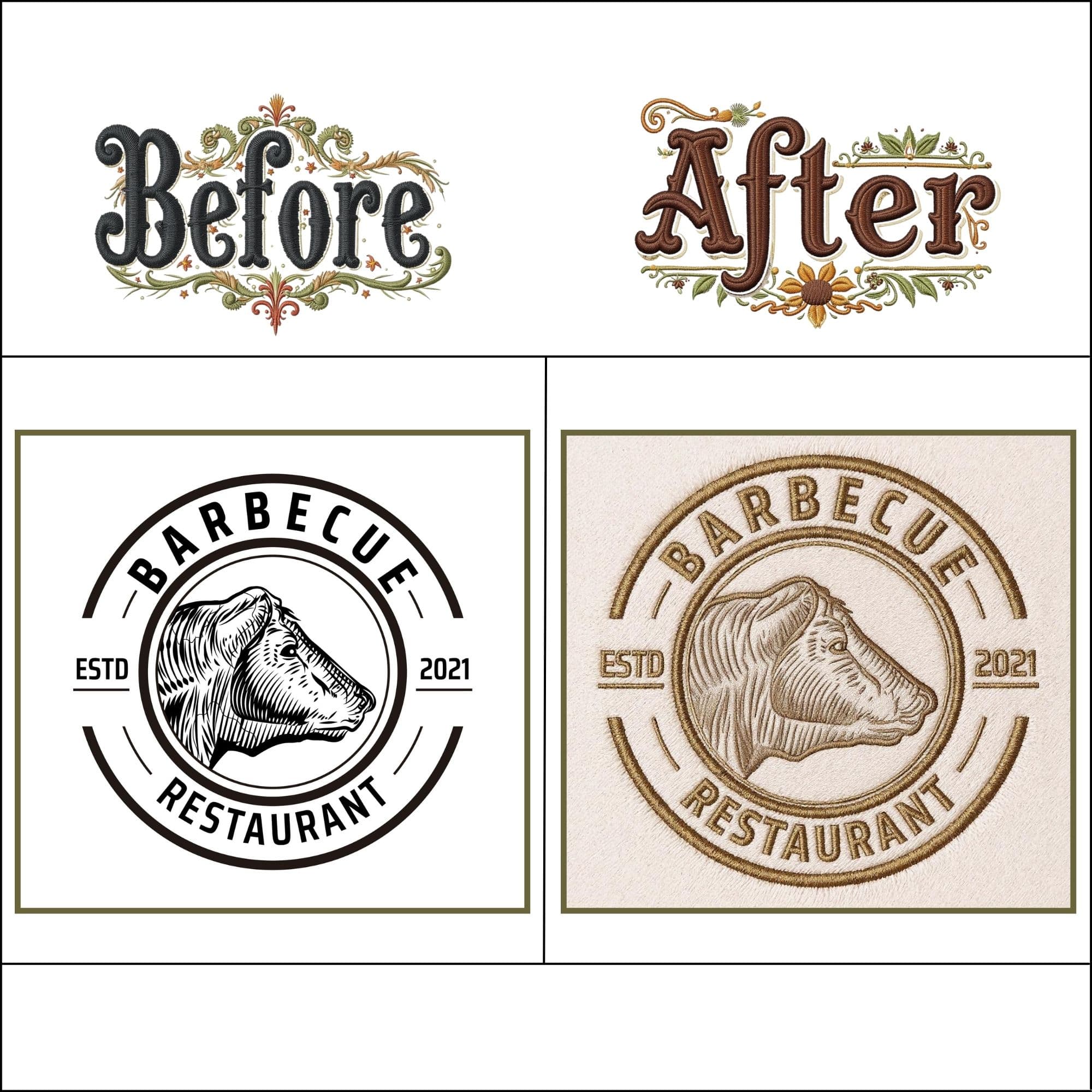
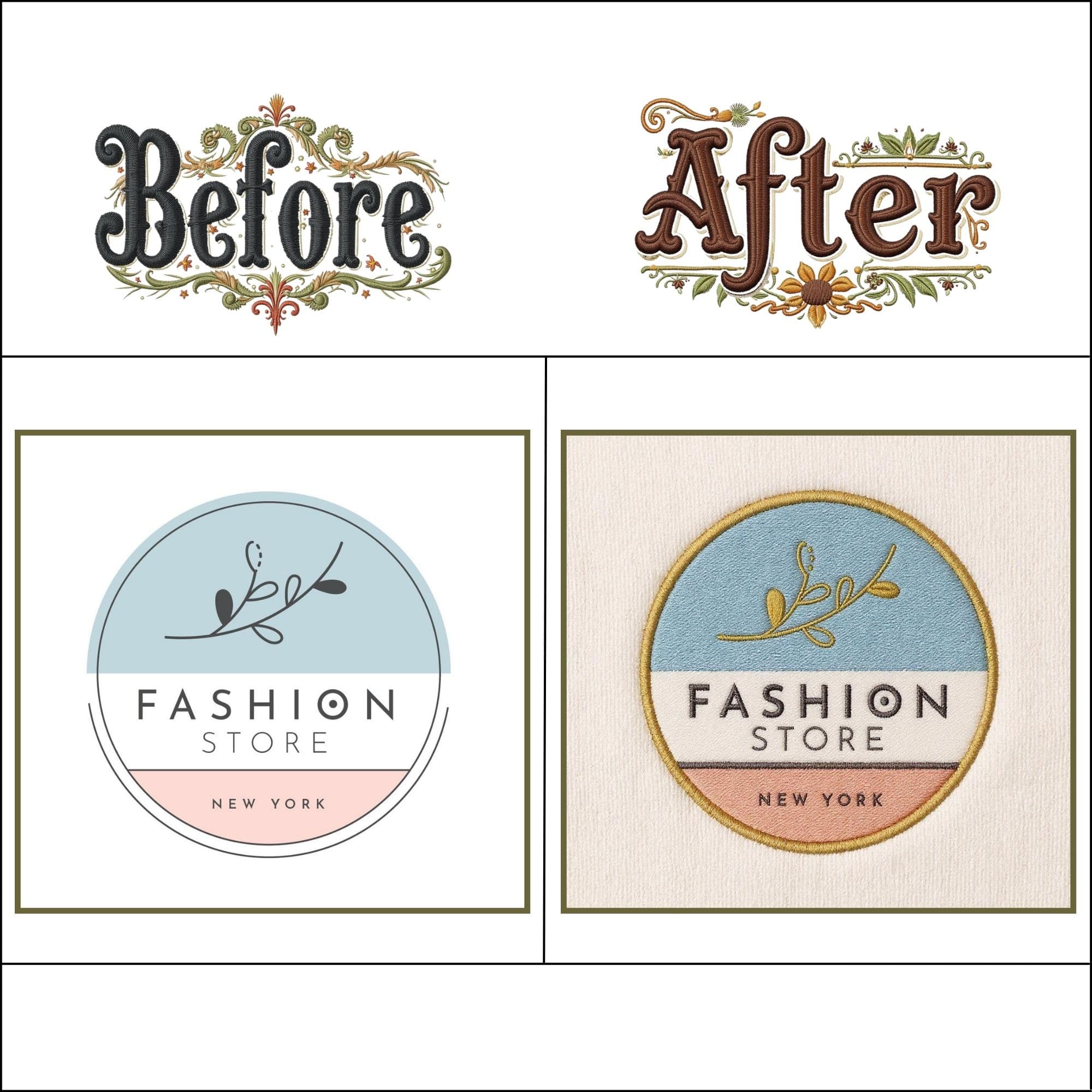
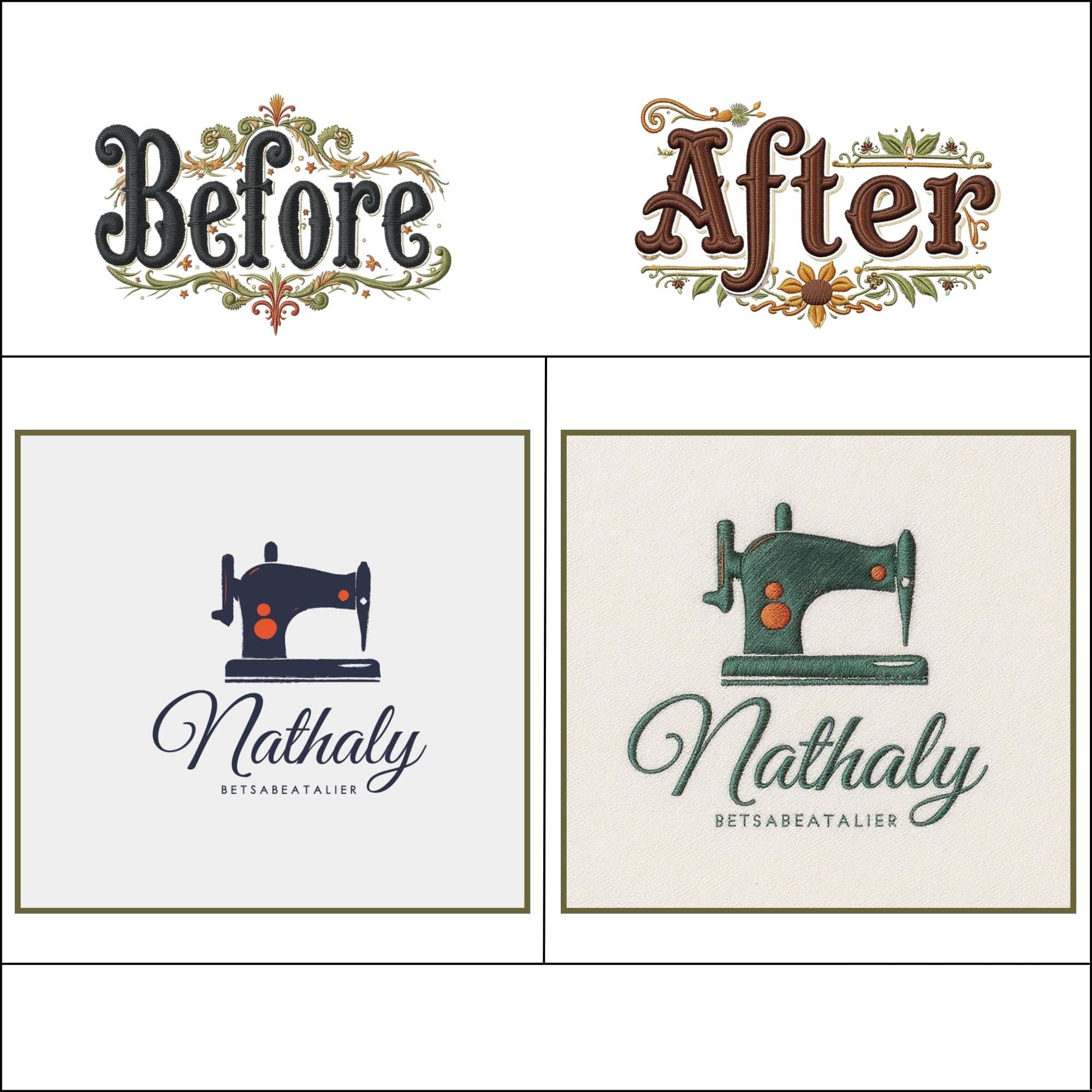
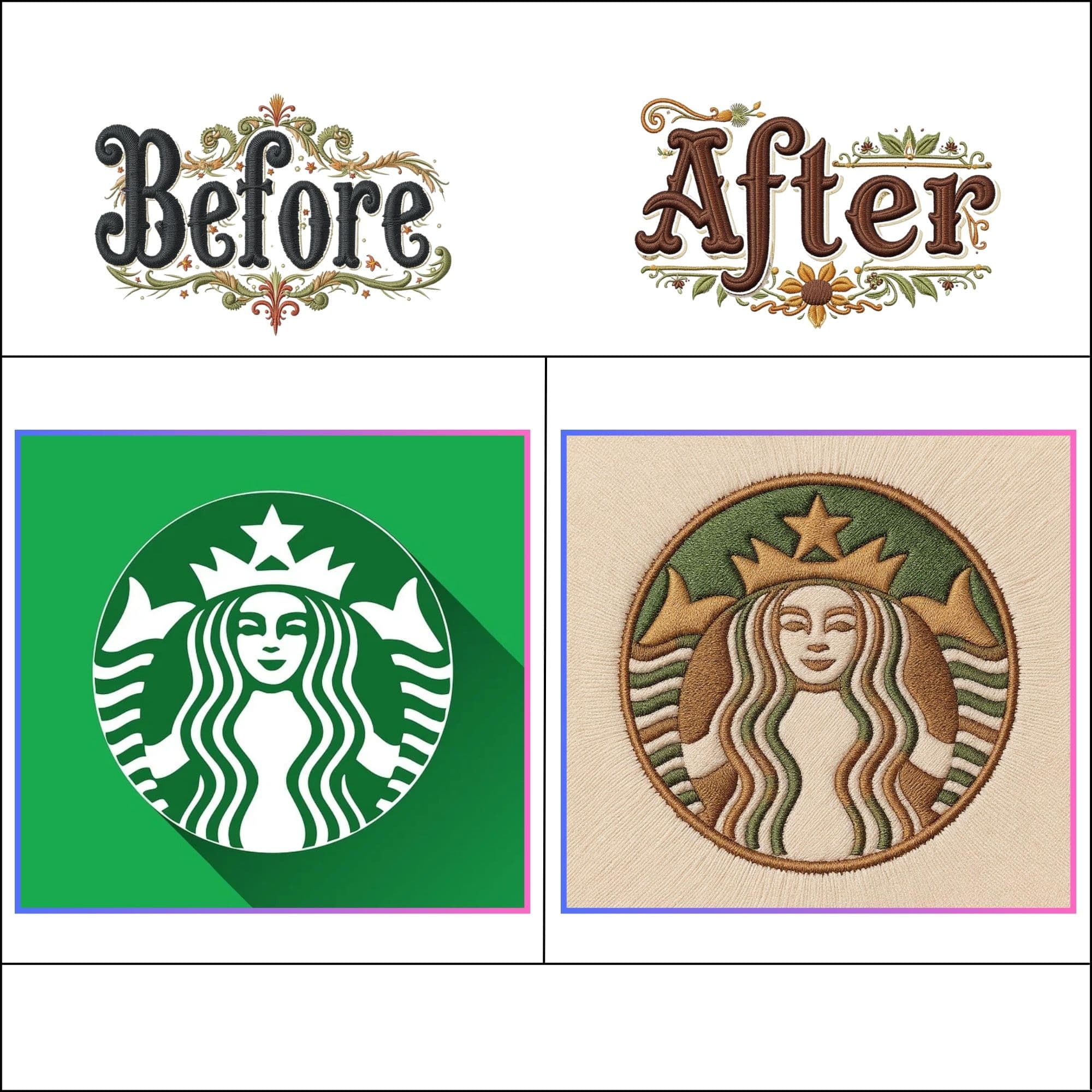
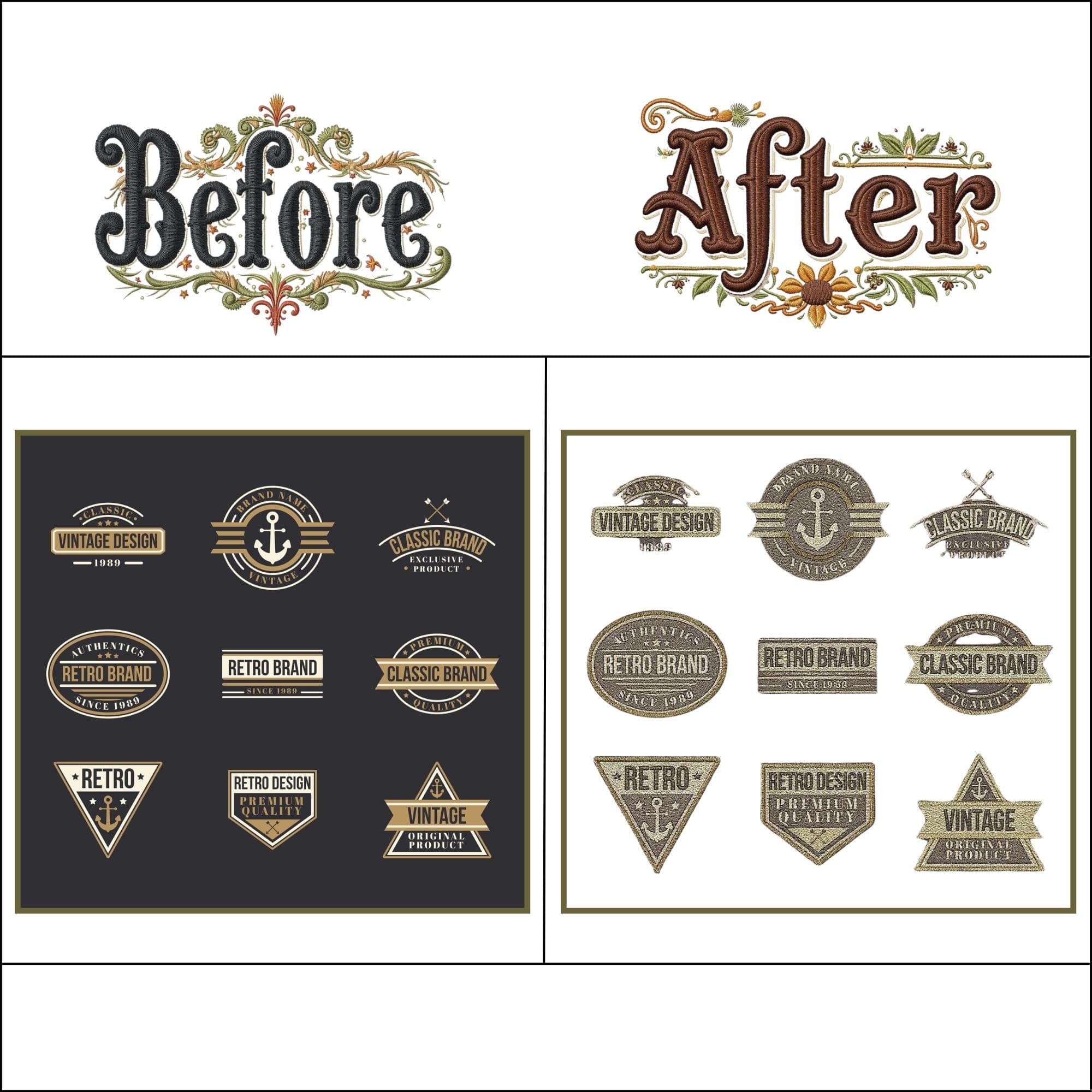
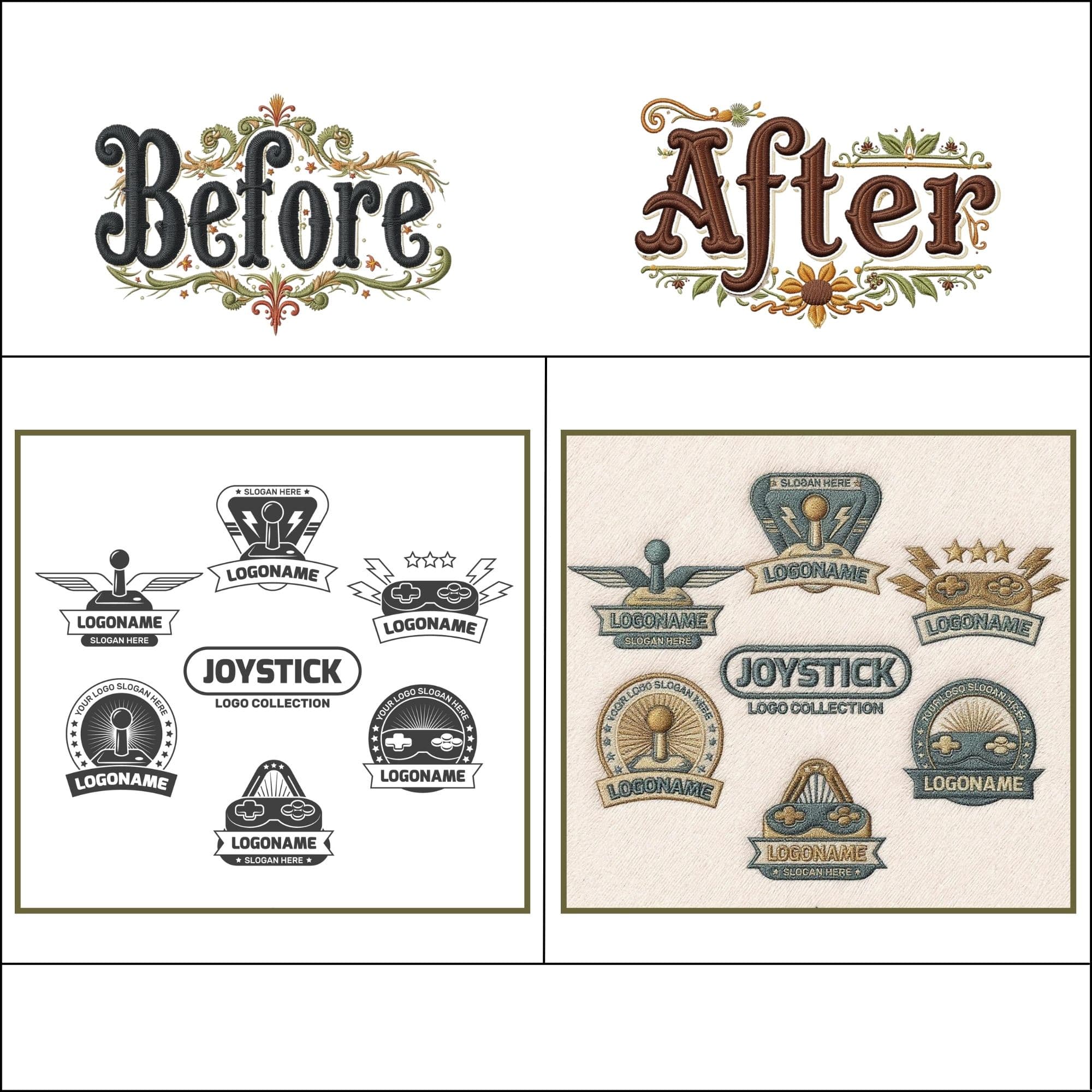
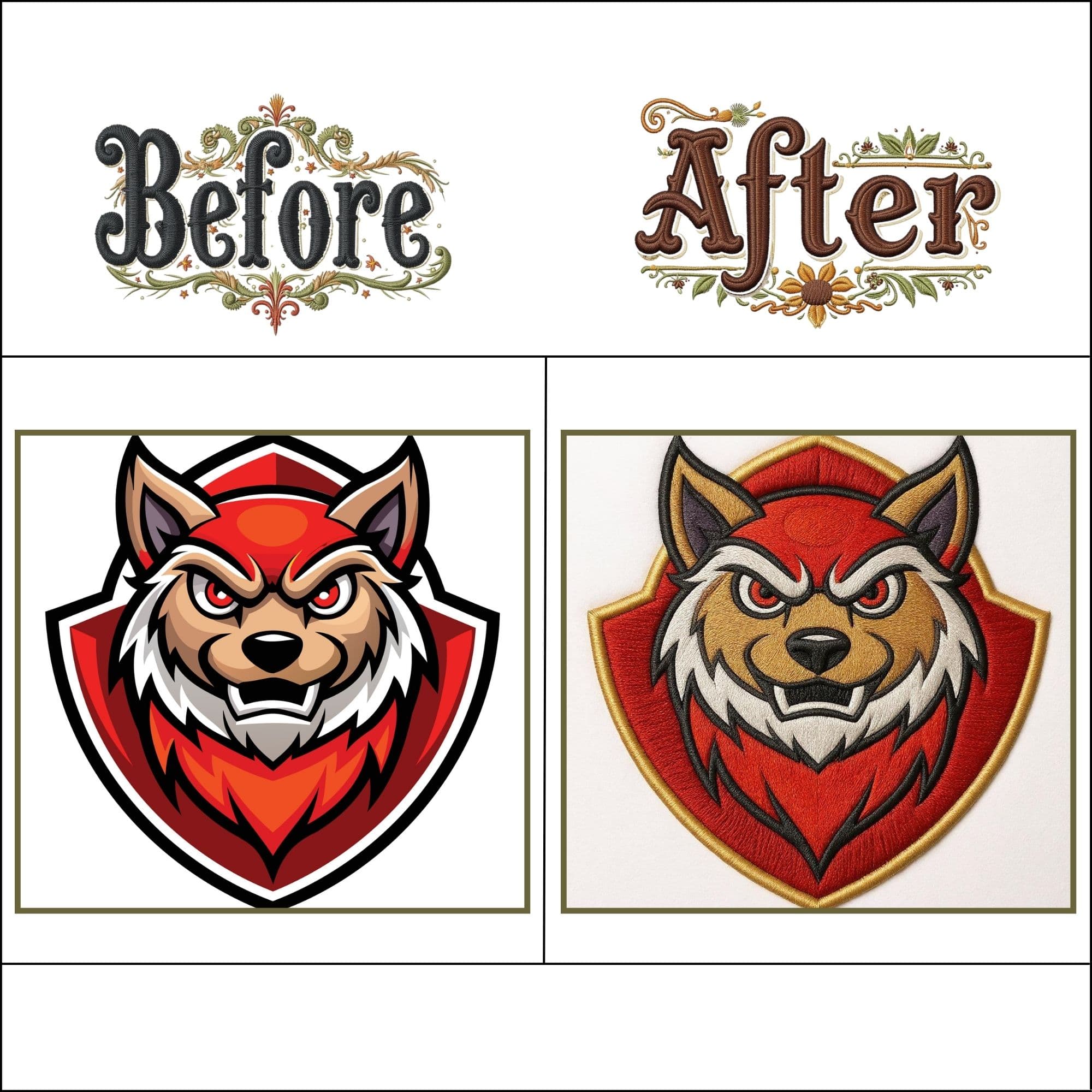
JPG to DST File Examples

Trusted by Commercial Embroiderers & Apparel Decorators
Real production feedback from embroidery shops, digitizers, and apparel decorators running our DST files.
"I was paying per digitized file. Now I do it myself in seconds. The DST output runs perfectly on our Ricoma machine."
Sarah M.
Custom Apparel Studio
"Finally a tool that handles JPG conversion with clean underlay. Dropped my client logo, downloaded the DST, and had it stitching in 2 minutes."
James T.
Commercial Shop Owner
"Converted 12 team logos in one afternoon. DST files worked first try on our Tajima 6-head. No thread breaks, zero issues."
Carlos R.
Sports Team Merchandise
Frequently Asked Questions About JPG to DST Conversion
Technical guidance on JPEG compression noise, pull compensation, hoop bounds, and machine coordinate mapping.
Yes! Our browser-based studio converts your JPG image directly into a production-ready Tajima DST binary file without requiring any account or subscription. Your file stays 100% private in your browser.
Convert your first JPG.
It takes 10 seconds.
Free, private, zero signup. Tajima DST binary output — ready for any multi-needle machine.
Custom digitizing
by hand.
Complex logos, 3D puff embroidery, or tiny text — get a human-digitized Wilcom file from our master punchers.