PNG to PES Converter
Convert PNG, transparent logos, and graphics into machine-ready Brother PES embroidery files online. Features automated alpha contouring, tatami underlay, and native Brother thread palette mapping.
Bundle of Jungle Sticks with Green Vine
.PES ReadyHow to Convert PNG to PES Embroidery Files
Transform any raster PNG logo, monogram, or illustration into clean Brother PES stitch paths in three simple steps.
Upload PNG or Transparent Artwork
Drop your PNG logo, badge, or illustration into the converter. Alpha transparency channels isolate your artwork, eliminating unwanted background stitches.
Auto-Digitize & Brother Hoop Calibration
Raster pixels are translated into vector stitch paths. Automated pull compensation (+0.35mm) and underlay lattice calibrate specifically for Brother hoop sizes.
Download Machine-Ready PES
Download your verified Brother .PES file with embedded thread spool colors and automated jump trims, ready to load onto your Brother USB drive.
What is a PNG to PES Converter?
A PNG to PES converter is an embroidery digitizing system that translates transparent raster images (PNG) into Brother and Baby Lock .PES binary stitch commands for computerized home and commercial machines.
Transparent Background Tracing
PNG alpha channels allow the converter to isolate graphic borders with high precision. This eliminates background box stitching and ensures clean satin borders with zero stray edge stitches.
Native Spool Color Encoding
Unlike generic formats, PES files embed native Brother thread chart IDs. When loaded onto your machine, the touchscreen accurately displays each thread spool color for every embroidery sequence.
Brother Hoop Bound Safety
Calibrated for standard Brother hoops (4x4, 5x7, 6x10 inches). Applies automated directional pull compensation (+0.35mm) and underlay lattice to prevent fabric puckering and thread breaks.
Production specs for PNG to PES
Calibrated needle pathing, Brother thread spool mapping, and hoop-bound safety limits.
Alpha contour tracing + lattice underlay
Detects PNG alpha transparency and converts graphic shapes into clean satin columns and tatami fills. Calibrated for Brother PE-800 and SE-600 hoop bounds with zero fabric distortion.
Native Brother PES / PEC Header
Embeds exact Brother thread palette codes and stitch coordinate blocks recognized natively by Brother touchscreens.
Automated Trims & Jump Codes
Generates clean jump stitch cuts to trigger Brother Innov-ís and PR series automatic scissors without manual snips.
Hoop Boundary Safety Check
Validates coordinate bounding boxes against standard Brother hoops (100×100, 130×180, 160×260 mm) to prevent machine read errors.
Popular Image to Embroidery File Conversions
Seamless raster and vector conversions calibrated for industrial and home embroidery machine ecosystems.
PNG to PES Embroidery
Brother PE / SE · Innov-ís · PR
Convert transparent PNG logos and graphics to Brother PES files with mapped thread colors.
Convert file →PNG to DST Embroidery
Tajima · Ricoma · Barudan · SWF
Convert transparent PNG logos to Tajima DST binary stitches with automatic underlay.
Convert file →JPG to PES Embroidery
Brother · Baby Lock · Bernina
Turn JPG photos and illustrations into Brother PES files with mapped thread colors.
Convert file →JPG to DST Embroidery
Tajima · Melco · Happy
Commercial multi-needle machine punch files with optimized stitch pathing.
Convert file →SVG to PES Embroidery
Brother & Baby Lock Machines
Direct vector path translation into satin borders and fill stitches for Brother hoops.
Convert file →Vector / PDF to PES
All Brother Domestic & Pro
Convert vector logos and craft PDF templates into production-ready Brother PES files.
Convert file →Supported Brother & Baby Lock Equipment
Calibrated for standard Brother hoop dimensions, single-needle home units, and multi-needle commercial machines.
PE-800 · PE-535 · PE-770 · PE-900
Standard 4x4 and 5x7 domestic hoop embroidery machines.
SE-600 · SE-1900 · SE-400 · SE-700
Dual sewing and embroidery units with calibrated tension paths.
NV800E · NQ1600E · NQ3600D · BP2100
High-speed single needle systems with large format hoops.
PR655 · PR680W · PR1055X · VR
6 to 10 needle commercial hardware with automatic color sequencing.
XP1 · XP2 · XP3 · XJ1 · XE1
Extra-large 10.6x16 inch hoops and high-density tatami support.
Flare · Array · Meridian · Pathfinder
Full native compatibility with all modern Baby Lock embroidery engines.
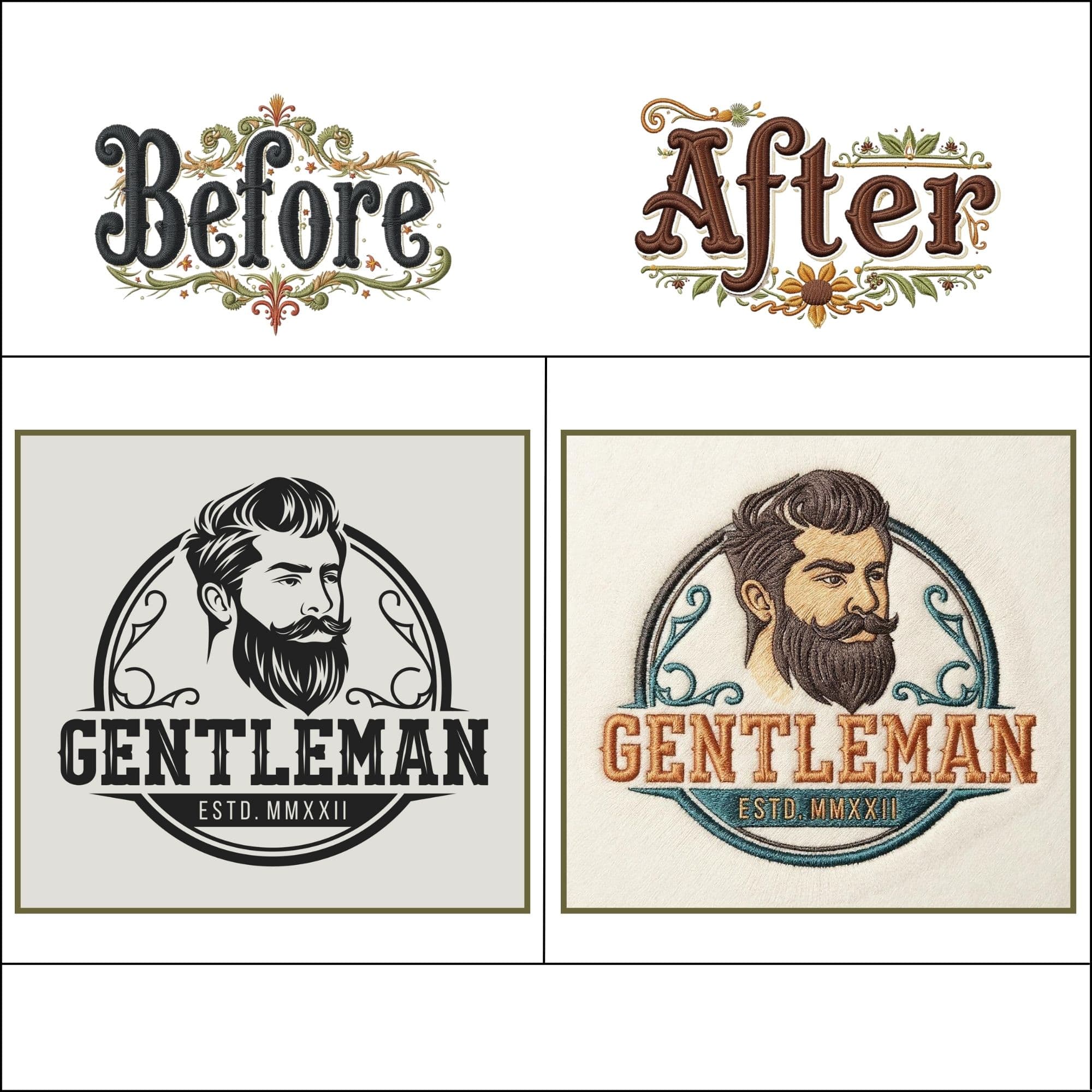
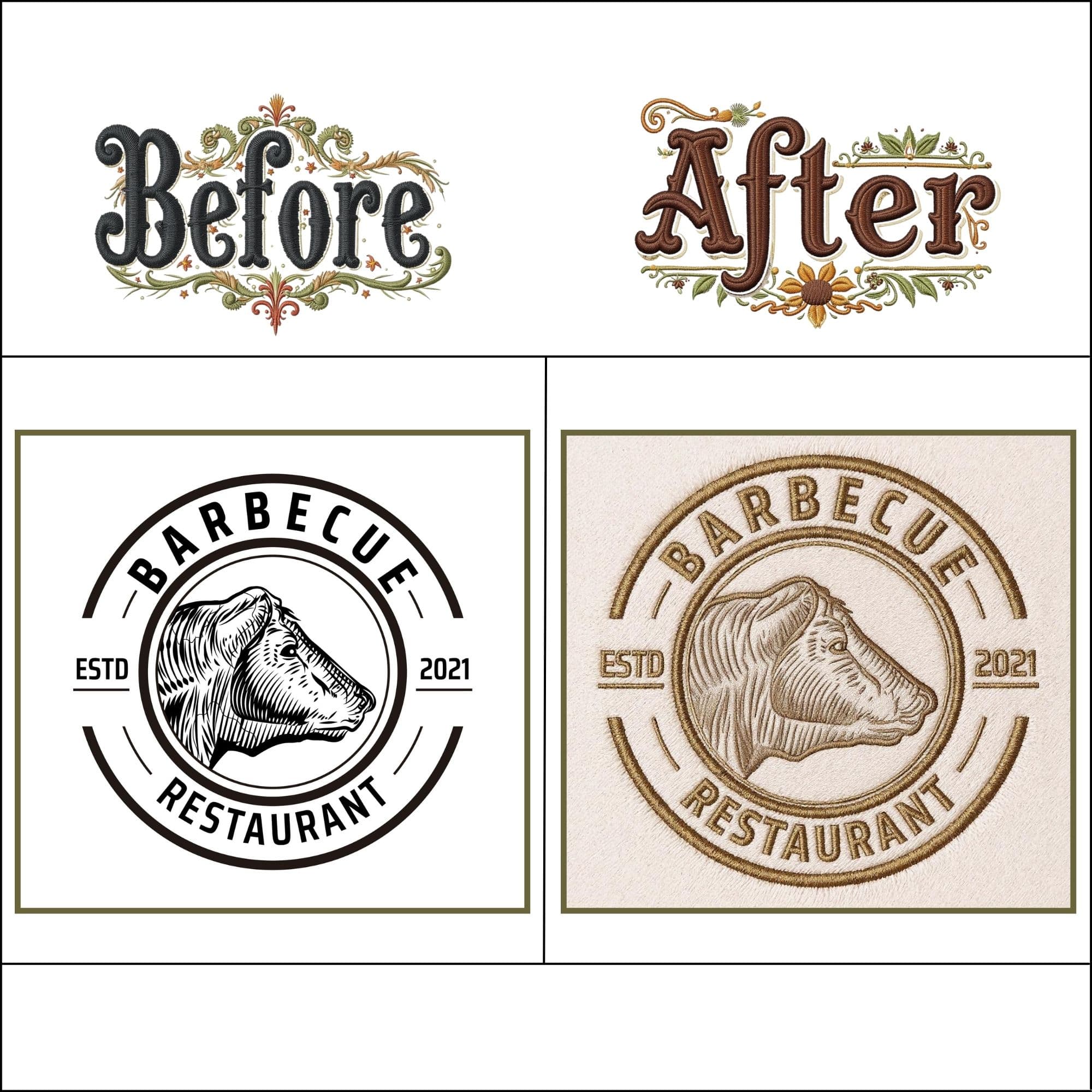
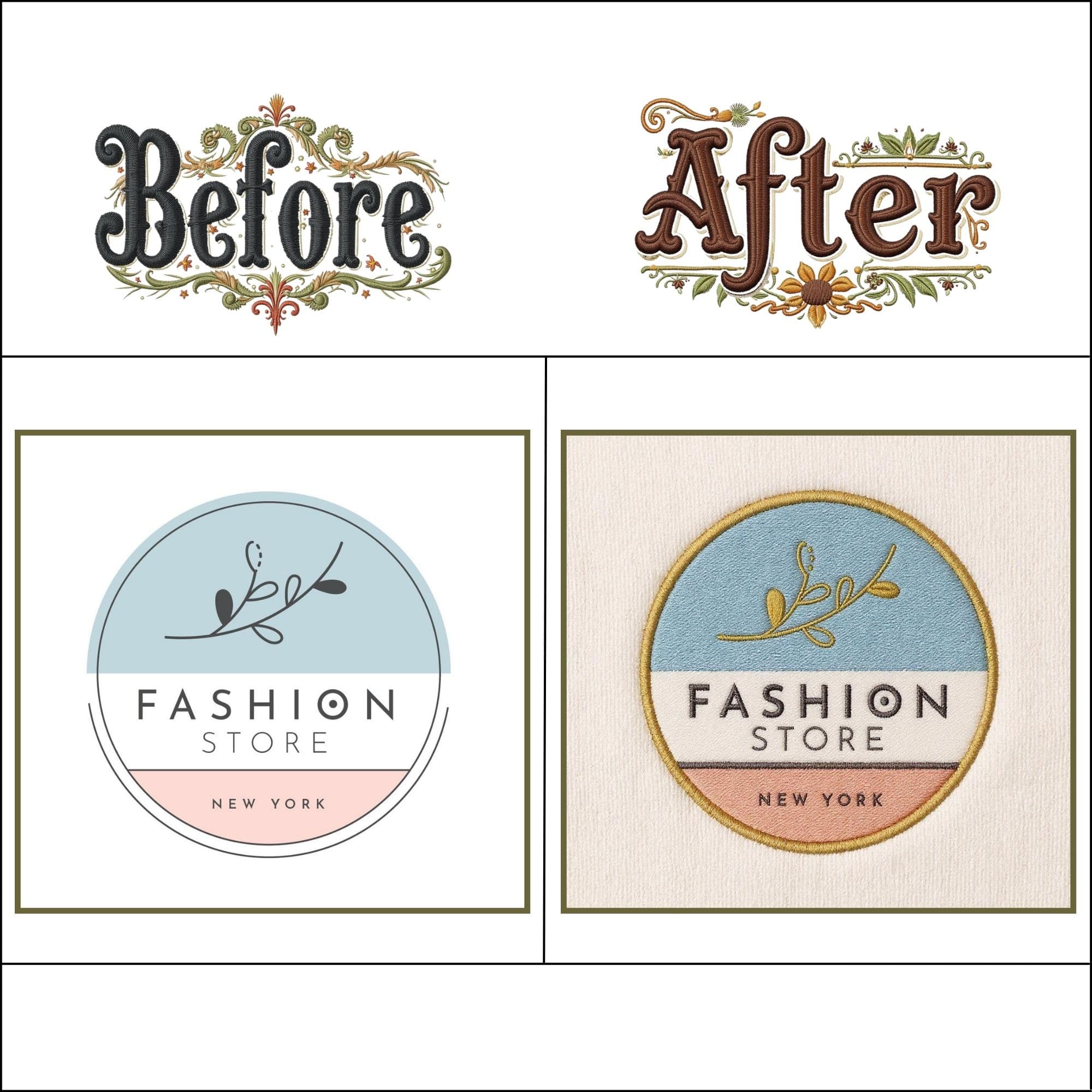
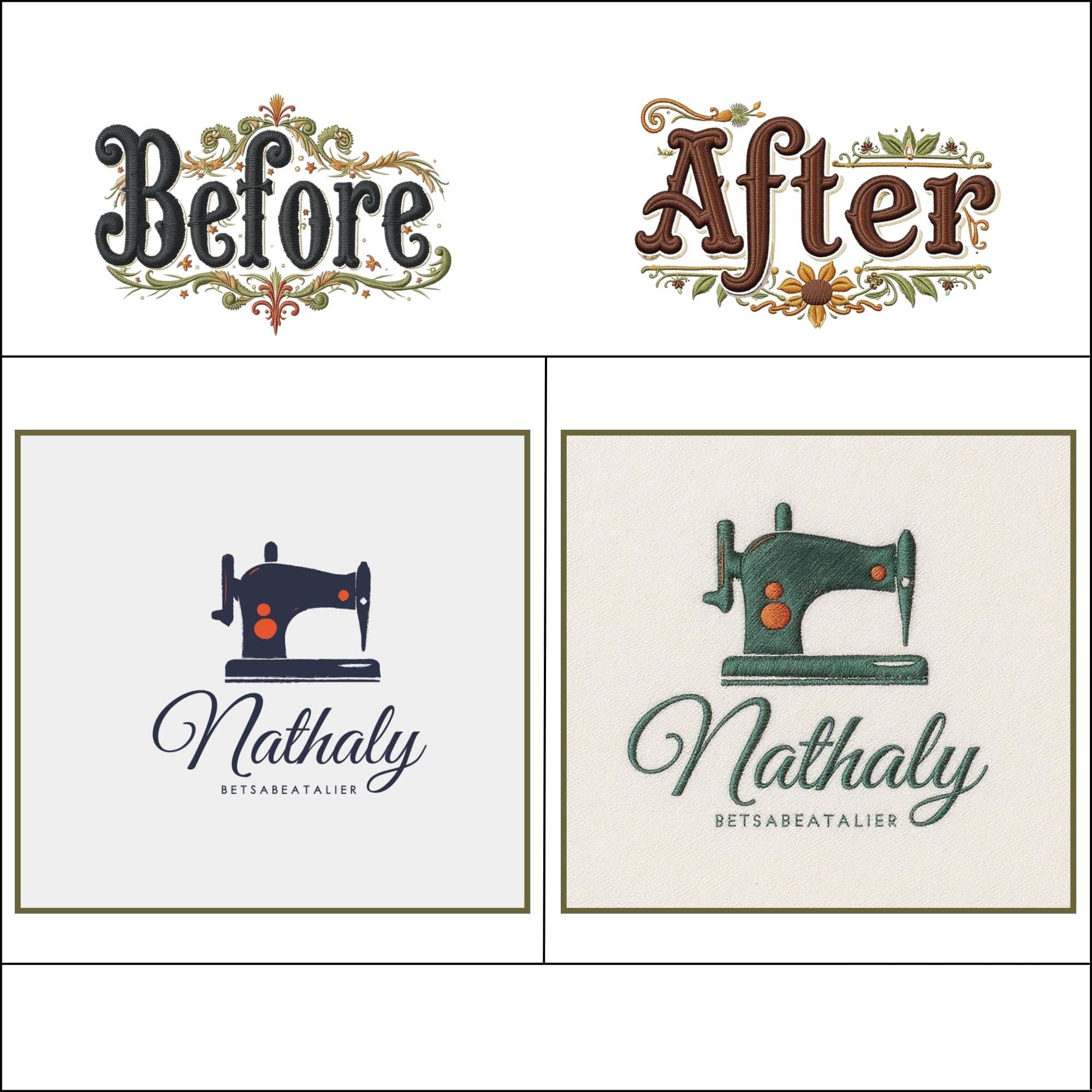
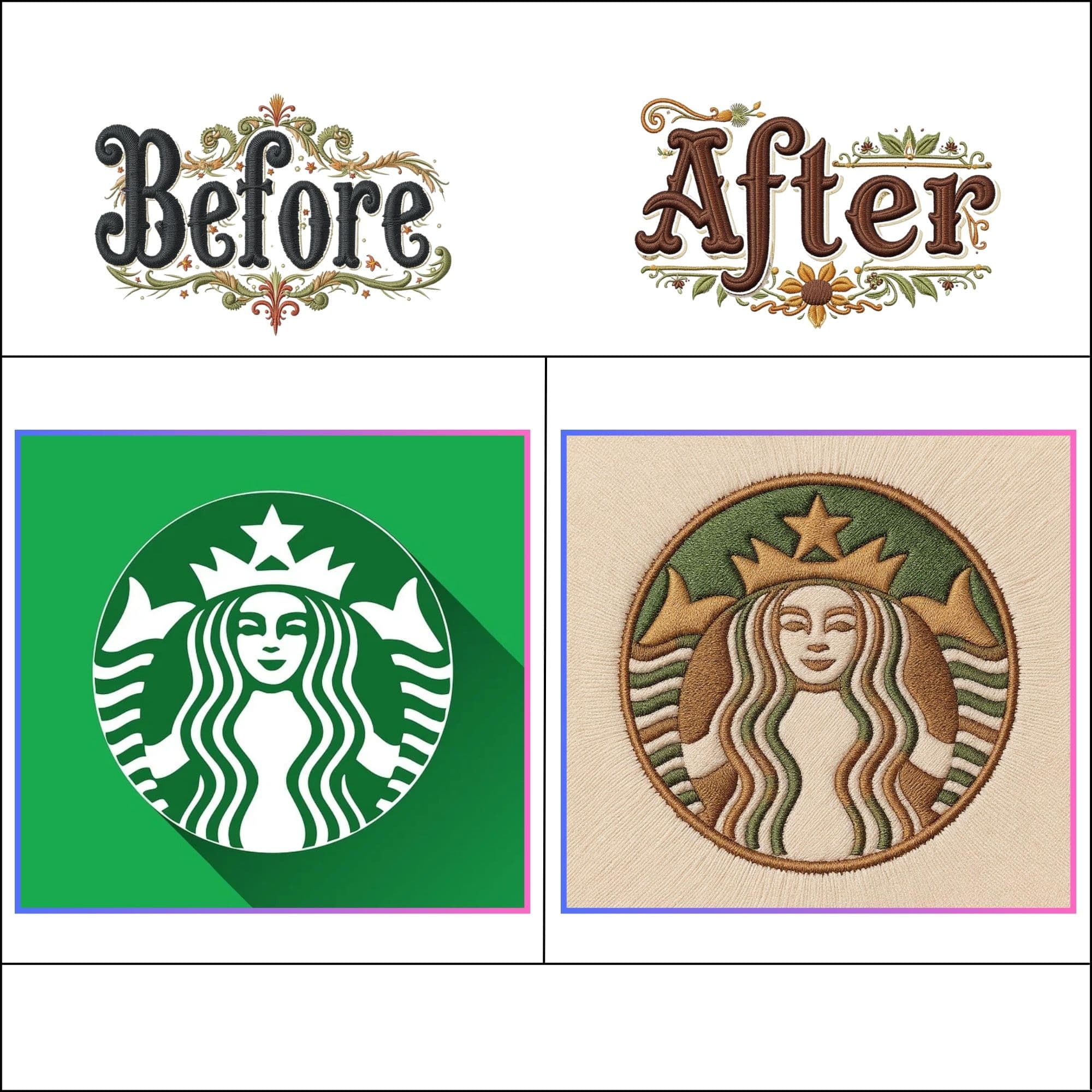
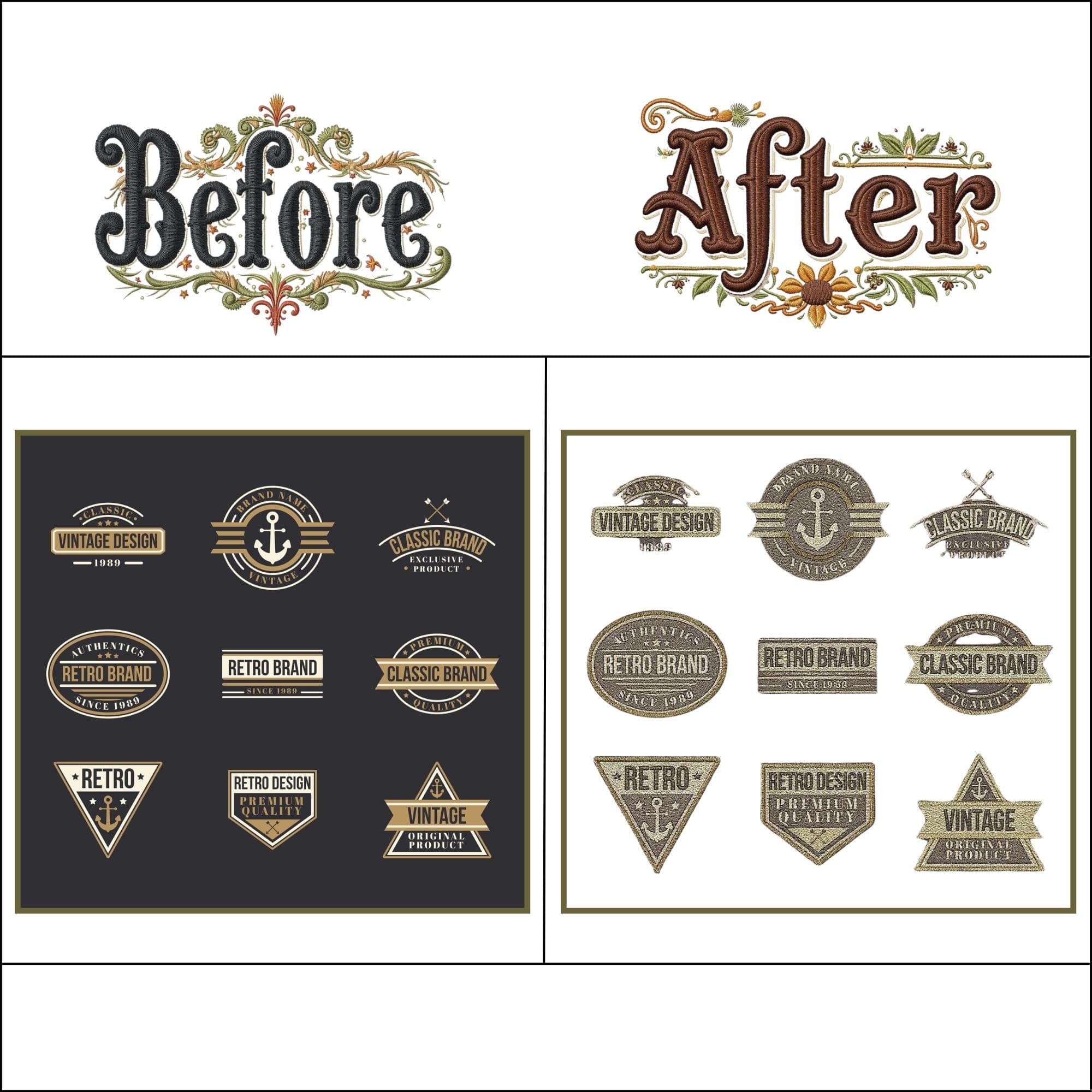
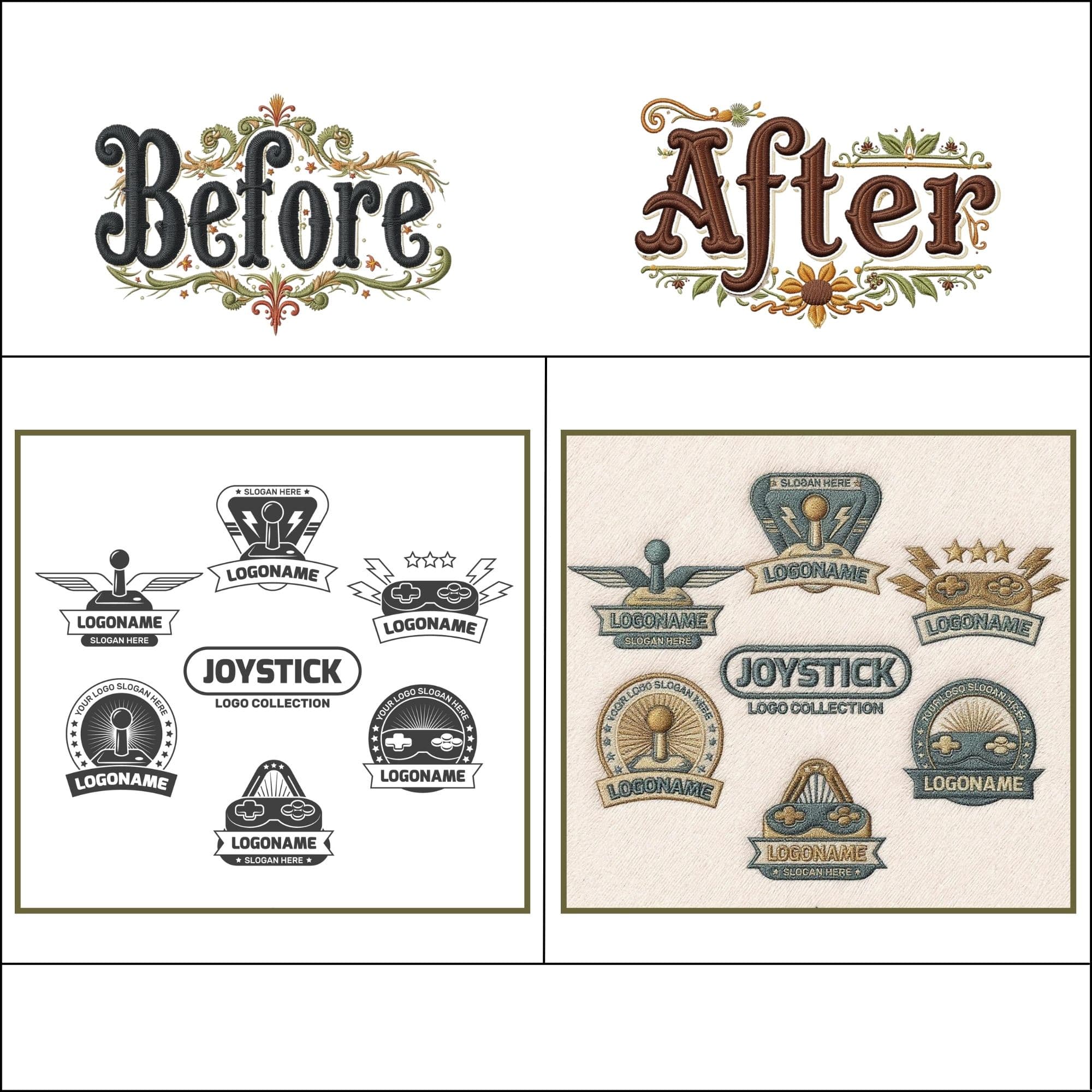
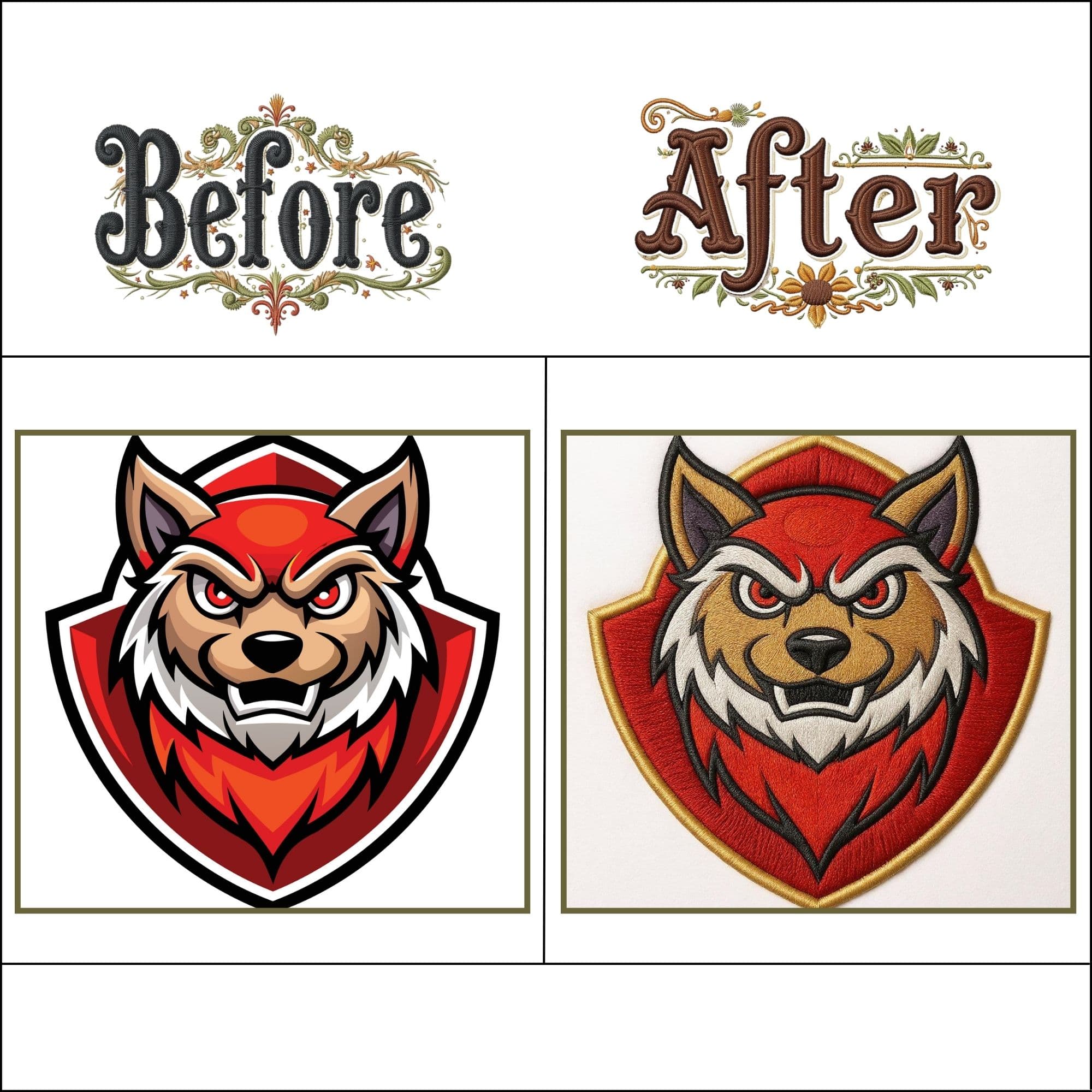
PNG to PES File Examples
Trusted by Brother & Baby Lock Embroiderers
Real production feedback from crafters, small businesses, and commercial shops running our PES files.
"I use a Brother PE-800 and was tired of auto-trace files locking up my machine. Converted my PNG logo here and the PES file stitched flawlessly on the first run."
Jennifer K.
Boutique Apparel Maker
"Our Brother PR680W recognized the thread colors right from the PES file without having to manually assign spools. Huge time saver for batch orders."
Marcus D.
Custom Cap & Monogram Shop
"Transparent PNG conversion is game-changing. No background box stitches around my design, and the satin border was super crisp on my Brother SE-600."
Rachel B.
Home Crafter & Small Business
Frequently Asked Questions About PNG to PES Conversion
Technical answers on Brother hoop limits, color thread mapping, alpha transparency, and machine error prevention.
Yes! Our browser-based studio converts your PNG image directly into a production-ready Brother PES stitch file without requiring an account or subscription. Your file stays 100% private in your browser.
Convert your first PNG.
It takes 10 seconds.
Free, private, zero signup. Brother PES binary output — calibrated for your specific hoop size.
Custom digitizing
by hand.
Complex logos, 3D puff embroidery, or tiny text — get a human-digitized file with guaranteed zero needle breaks.