Online
PNG to DST
Converter
The best free PNG to DST converter online. Upload your PNG, JPG, or vector file and get a production-ready DST, PES, or JEF embroidery file in 1 hour. 100% hand-digitized by expert punchers — no auto-trace, just quality.
Try free converter →



Image to Embroidery Converter & Stitch Studio
Convert PNG, JPG, and vector images into production-ready Tajima DST and Brother PES embroidery files online. Inspect needle paths, check stitch density on real fabrics, and verify machine compatibility — 100% free in your browser.
Bundle of Jungle Sticks with Green Vine
.DST ReadyHow to Convert PNG to DST Embroidery Files
A seamless 3-step workflow from raster image to machine-ready commercial embroidery files.
Upload PNG or Artwork
Drop your PNG, JPG, or SVG file. Our system analyzes artwork transparency, color zones, and recommended hoop boundaries.
Manual Stitch Digitizing
Master punchers hand-path stitch angles, underlay foundations, and pull compensation calibrated to your target fabric.
Download Machine DST / PES
Receive production-tested Tajima DST and Brother PES files in 1 hour, complete with a PDF thread proof worksheet.
Recently Delivered Client Designs
Real artwork digitized and successfully delivered to clients worldwide, calibrated for production-ready embroidery machines.

Basic

Simple Text/Logo

Basic

Simple Text/Logo

Simple Text/Logo

Simple Text/Logo
Convert PNG to Embroidery DST in Minutes
Upload any image and receive a production-ready embroidery file. Every stitch path is manually optimized with proper underlay and pull compensation.
Hand-Digitized by Master Punchers
Pay per design · No monthly subscription
How to Convert PNG to DST for Embroidery
Watch how a flat transparent graphic is professionally plotted, calibrated for fabric pull compensation, and converted into machine-ready stitches.
Trusted by Commercial Embroiderers & Shops
Real production feedback from embroidery business owners, digitizers, and apparel decorators running our files.
"The pull compensation was perfect for the beanies I was stitching. No gaps at all — exactly what I needed for a 500-piece production run."
Serena Swan
Embroidery Shop Owner
"I tried 3 other PNG to DST services before this. The only one that handled small text correctly. Saved me hours of frustration and rework."
Shelton Griffin
Custom Apparel Business
"Needed a complex jacket back digitized. Clean, smooth file delivered. Had one small density issue — fixed in 15 minutes flat."
Kevin Shumway
Jacket & Workwear Specialist
"Saved my production deadline on a large corporate order. The quality difference compared to auto-digitizing is night and day."
Toni Geisler
Corporate Merchandise
"Every design has been production-ready on the first try. Switched from a competitor 6 months ago and haven't looked back."
Ilana Sela
Online Embroidery Store
"20+ designs ordered so far. Always professional — clean stitch paths, minimal thread breaks, and the PDF proof sheets are a lifesaver."
Stephen David Biss
Hat Embroidery Pro
PNG vs DST: Why You Need a Professional Converter
A PNG file is a flat raster image made of square pixels on a two-dimensional grid. An embroidery machine has no concept of pixels or screen resolution — it only understands needle penetration coordinates, jump trims, and stop commands.
A DST file (Tajima) is a compiled binary punch file containing exact X/Y motor displacements, stitch density pitch, underlay lattice foundations, and mechanical pull compensation.
Translating between these formats is not a simple file conversion. It requires embroidery digitizing — calculating how fabric tension physically distorts stitches under machine tension. Auto-trace software cannot account for substrate elasticity, causing thread breaks and puckering. Every file we deliver is manually digitized for flawless high-speed production.
Supported Embroidery Machine Formats
Why Choose Our Image to Embroidery Converter
Industrial-grade manual digitizing engineered to eliminate needle deflection, thread breaks, and garment puckering.
100% Manual Digitizing
Auto-tracing generates chaotic stitch paths, irregular stitch lengths, and constant thread breaks. Our punchers hand-place every node for flawless production.
1-Hour Standard Delivery
Keep your commercial embroidery machines running without downtime. Most production files are digitized, verified, and delivered within 60 minutes.
All Formats & PDF Proofs
Receive DST, PES, JEF, EXP, and VP3 files alongside a comprehensive color-stop production sheet specifying Madeira and Isacord thread numbers.
Fabric Pull Compensation
Thread pull shrinks fabric inward during stitching. We apply directional pull compensation (+0.25 to +0.45mm) calibrated to your garment substrate.
Private & Cloud-Accessible
Manage order queues, request adjustments, and download files directly to your phone, tablet, or workshop computer without bulky CAD software.
Unlimited Free Revisions
Need density adjusted for a specific pique polo or cap crown? We fine-tune stitch parameters until your machine sews out perfectly.
Image to Embroidery Conversion Gallery
Real stitch results from our professional embroidery digitizing production. Every design is test-sewn before final delivery.
 Artistic
Butterfly Woman Floral
Target Fabric: Yoga Top
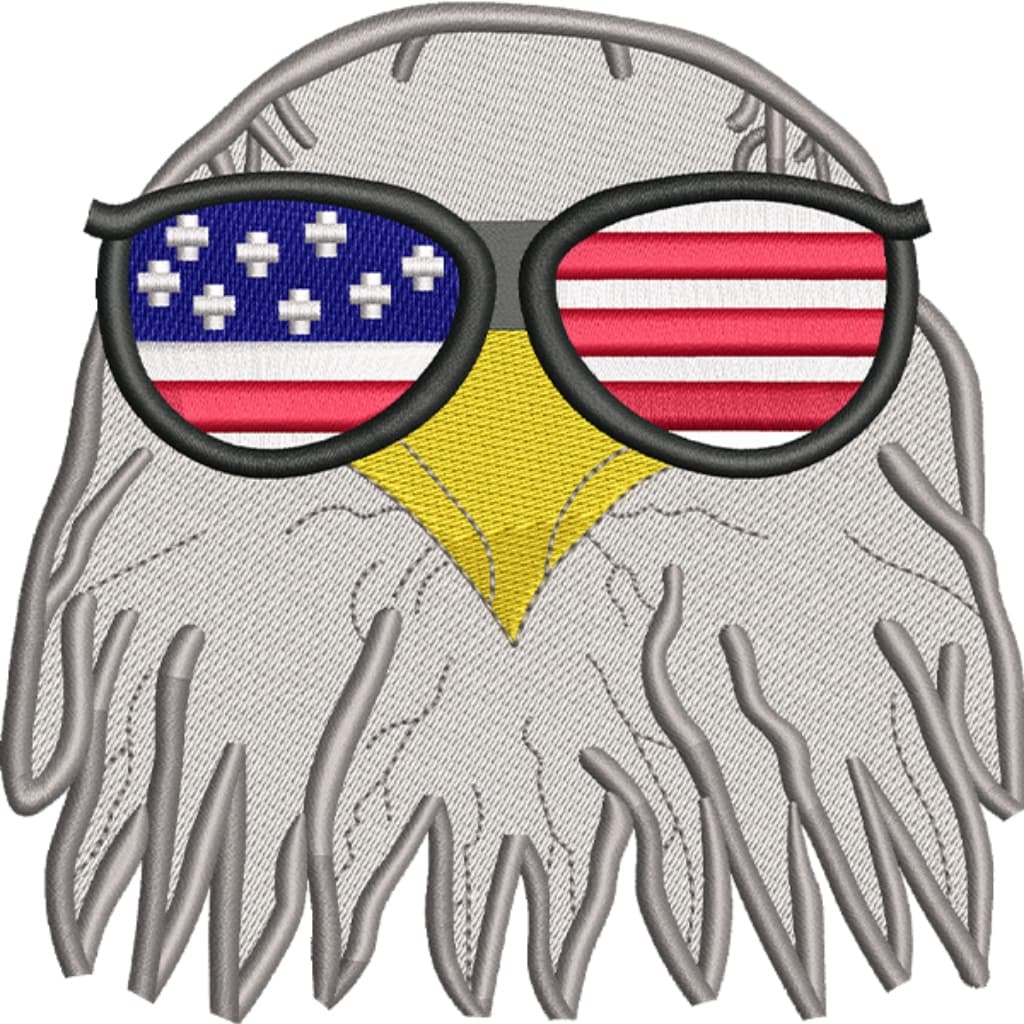 Patriotic
Patriotic Eagle
Target Fabric: Denim Jacket
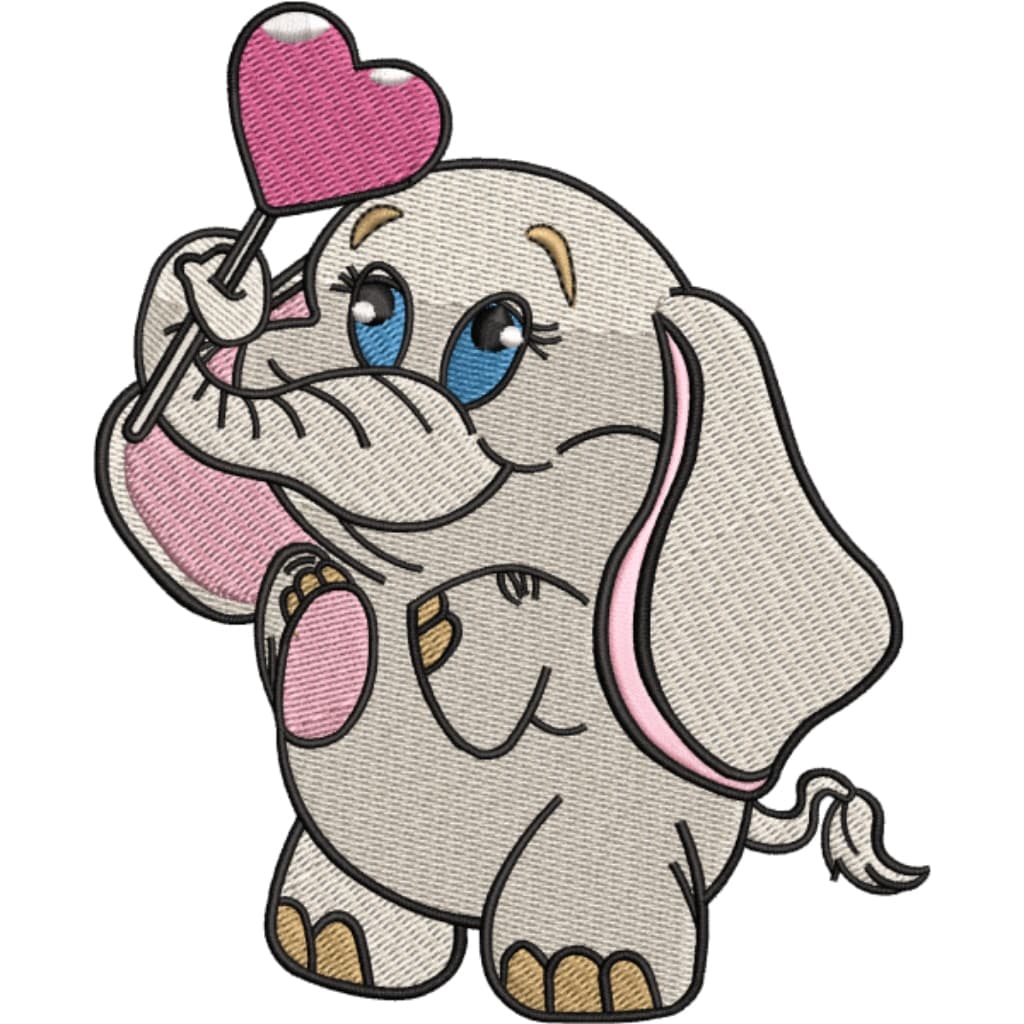
 Baby
BabySleeping Baby Elephant
Target Fabric: Baby Blanket
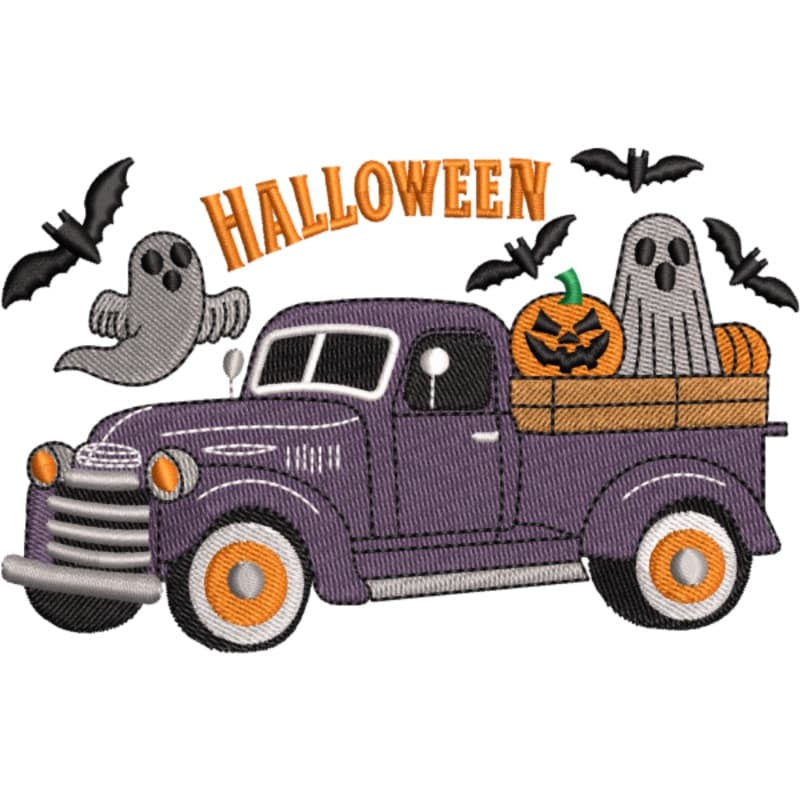 Holiday
Halloween Truck
Target Fabric: Sweatshirt
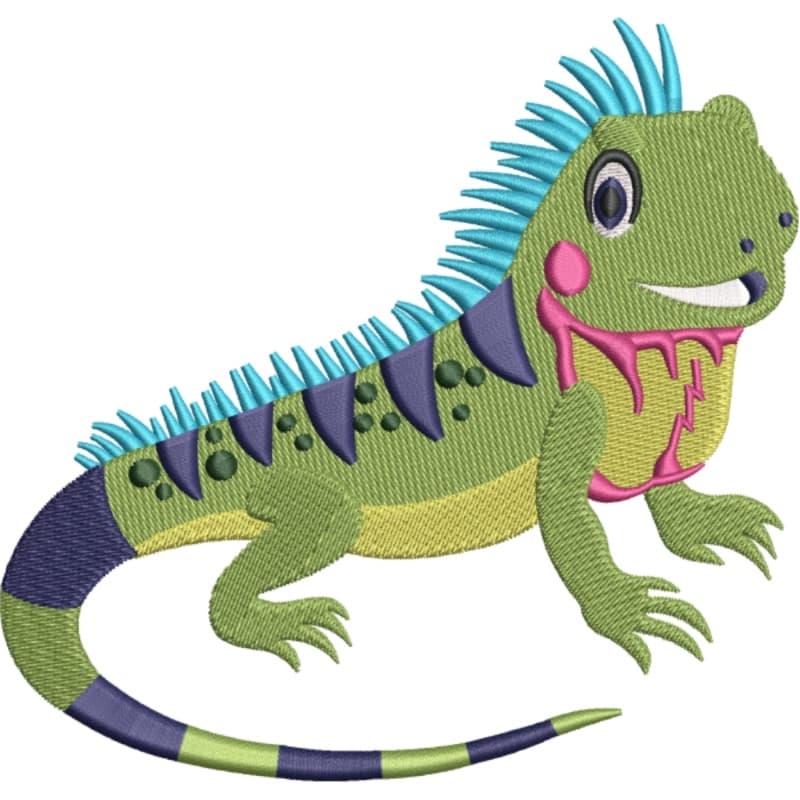 Animals
Colorful Iguana
Target Fabric: Kids Tee
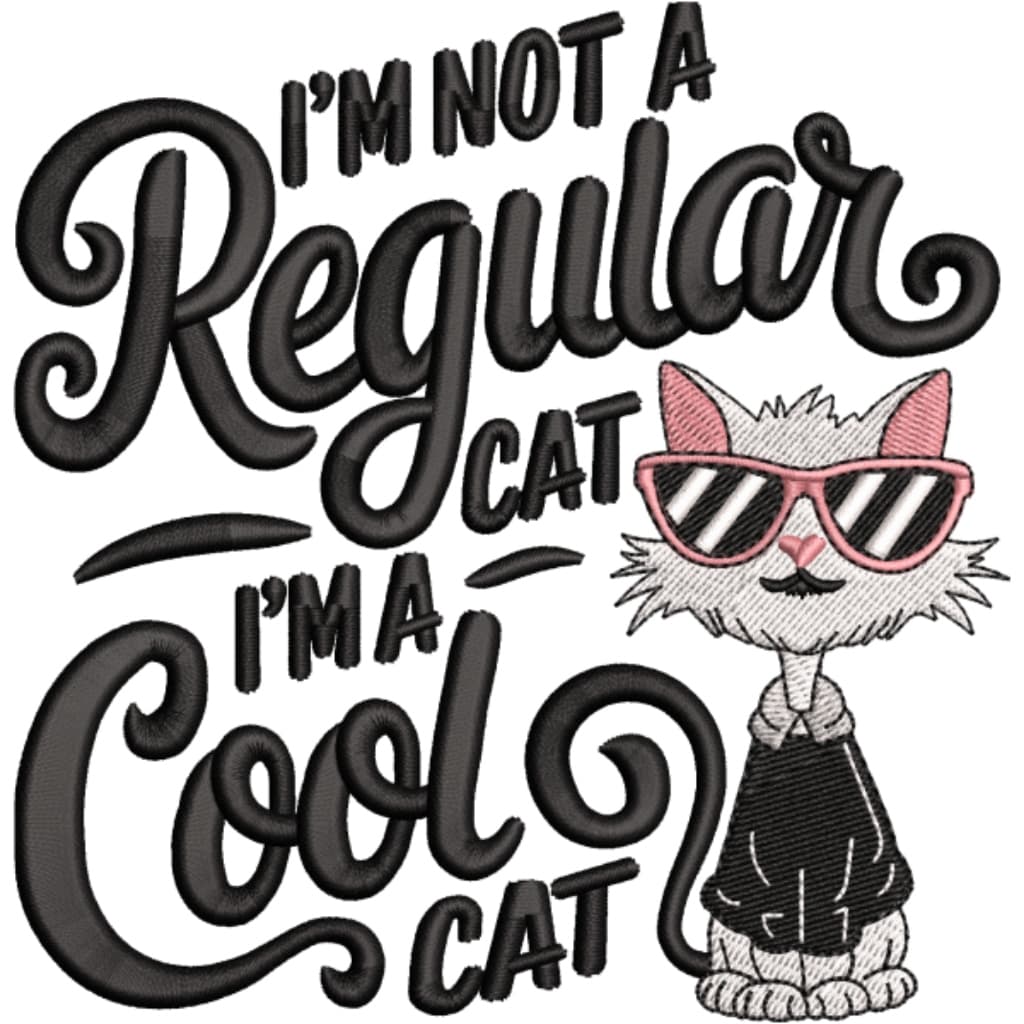 Animals
Cool Cat with Sunglasses
Target Fabric: Black Tee
Who Uses Our Image to Embroidery Converter
Whether you operate a commercial embroidery shop running multi-head Tajima equipment or are an independent maker creating custom boutique apparel, our files are calibrated for all machine-ready applications.
Company Uniforms & Workwear
Precision left-chest logo digitizing optimized for polo shirts, aprons, and hospitality uniforms.
Hats, Caps & Beanies
Stitch paths sequenced from bottom-up and center-out to prevent distortion on curved cap frames.
Promotional Products & Merch
Digitized for tote bags, blankets, heavy canvas jackets, and custom event merchandise.
Sports Teams & Athletic Clubs
Bold satin lettering and tatami fill digitizing for jersey names, numbers, and club crests.
Related Embroidery File Converters
Explore our suite of specialized embroidery digitizing tools calibrated for commercial and domestic machine ecosystems.
Convert Adobe Illustrator vector paths directly to Tajima DST embroidery files with clean satin columns.
Transform raster JPEG logos and photos into standard DST punch files with automated tatami underlay.
Convert transparent PNG artwork for Brother, Baby Lock, and Bernina machines with native thread palettes.
Optimized conversion for Janome and Elna embroidery machines calibrated for native Janome hoop limits.
Universal multi-format conversion studio for Tajima, Brother, Janome, Ricoma, and Melco machines.
Convert any photo into a professional cross-stitch chart with DMC thread codes and printable grids.
PNG to DST Converter FAQs
Common questions regarding file conversions, machine compatibility, pull compensation, and turnarounds.
No. Every design is manually digitized by master punchers. We do not use basic auto-trace software because automated tools produce messy jump stitches, incorrect underlay, and thread breaks during production runs.
Latest Digitizing Guides & Insights
Technical articles on embroidery physics, pull compensation, file formats, and machine operations.
Inside the Winnie the Pooh Embroidery Magazine Collection
Exploring the classic patterns, rare issues, and where to find modern Disney cross-stitch charts today.
What Embroidery Technique is Used in Cross Stitch?
Unraveling the secrets of Counted Thread Embroidery and the foundational stitches that define this timeless craft.
Top 12 Embroidery Books for Beginners (PDF & Print)
A curated list of the best stitch dictionaries, vintage pattern books, and modern guides you can download or buy today.
Professional Image to Embroidery Digitizing
PNG to DST Converter — Clean Stitches Online
Looking for the best PNG to DST converter or a reliable way to convert PNG to DST free? Our professional embroidery digitizing service converts logos, photos, and vector artwork into machine-ready DST, PES, and JEF files. Whether you need to convert PNG to DST for Tajima machines or convert PNG to PES for Brother setups, our digitizers manually trace every stitch path to guarantee correct underlay and zero needle breaks.
Image to Embroidery Converter — Multi-Format Support
Our image to embroidery converter online handles every file type your design team works with. As an expert embroidery image converter, we accept raster images (PNG, JPG, BMP) and vector files (AI, SVG, EPS, PDF) alike. Vector paths map directly to stitch geometry, while raster images produce crisp results thanks to manual contour digitizing.
Logo Digitizing & Custom Embroidery Service
A perfect stitch-out begins with premium logo digitizing. Our experienced punchers handle everything from small chest lettering to intricate jacket backs. When you need to digitize a logo for embroidery, we hand-path every underlay, column stitch, fill area, and satin border — eliminating garment puckering.
Universal Machine Compatibility (DST, PES, JEF, EXP)
We export to every major embroidery format: DST (Tajima/Ricoma/Barudan), PES (Brother/Baby Lock), JEF (Janome/Elna), EXP (Melco/Bernina), and VP3 (Husqvarna Viking/Pfaff). Every order includes all formats and a printable PDF thread worksheet at no additional charge.