JPG to PES Converter — Free Online Preview
Convert JPG to PES online. Send a JPG of your logo or artwork and get a hand-digitized PES file for your Brother or Baby Lock embroidery machine — background removed and colors matched to Brother threads.
Convert JPG to PES online
- Output
- Brother .PES
- Background
- Removed for you
- Thread colors
- Brother chart
- Delivery
- ~1 hour
- 100% hand-digitized
- Delivered in about 1 hour
- Unlimited free revisions
How it works
How to convert JPG to PES
Three steps from a JPG on your phone to a PES file on your Brother machine.
- 01artwork.jpg1600 × 1600 · photo1 minute
Upload your JPG
A phone photo, screenshot or scan works. Choose your Brother hoop and the garment.
- Crop close to the design if you can
- Larger images keep fine details
- 02About 1 hour
Cleaned up and digitized
We remove the background, simplify colors to real threads and digitize by hand.
- Blurry JPG edges redrawn sharp
- Colors reduced to a stitchable palette
- 03ARTWORK.PES4 colorsBrown 058Orange 208Cream 010Black 900Ready to stitch
Stitch it on your Brother
Copy the PES to USB. Your machine shows each thread color as it stitches.
- Sized to your hoop
- Free revisions included
Why hand-digitized
Auto-digitizing apps vs a hand-digitized PES
Auto-digitizing in an app is quick, but a JPG has a background, soft edges and hundreds of shades. Without a person deciding what to keep, the result is dense, stiff and full of tiny color changes.
| Feature | Auto app | Hand-digitized |
|---|---|---|
| Background removed | Manual | |
| Colors reduced to real threads | Too many | |
| Soft, wearable stitch density | ||
| Clean satin borders | Rarely | |
| Fits Brother hoop limits | If you check | |
| Free fixes after a test stitch |
Image quality
How big should your JPG be?
You don’t need a perfect file, but more pixels help us keep small details. Use this as a rough guide.
| JPG width | Good up to | What to expect | Example |
|---|---|---|---|
| Under 500 px | ~2 in | Simple shapes only, details redrawn from scratch | Small social media image |
| 500 – 1000 px | ~4 in | Fine for most left-chest logos | Website logo |
| 1000 – 2000 px | ~8 in | Small text and thin lines stay clear | Phone photo of a printed logo |
| 2000 px + | Any hoop | Best detail for large designs and back pieces | Original design file export |
Examples
From JPG to stitches
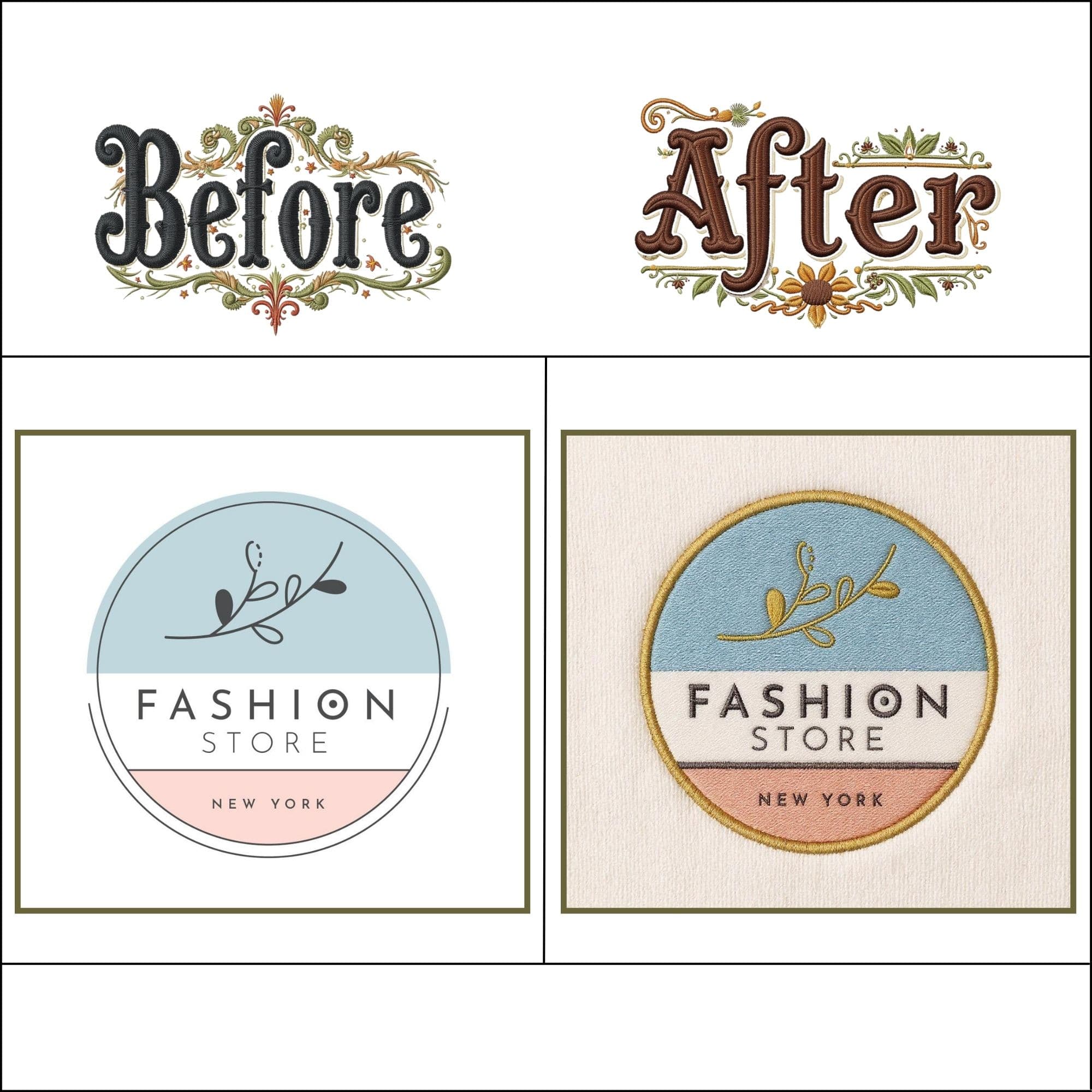
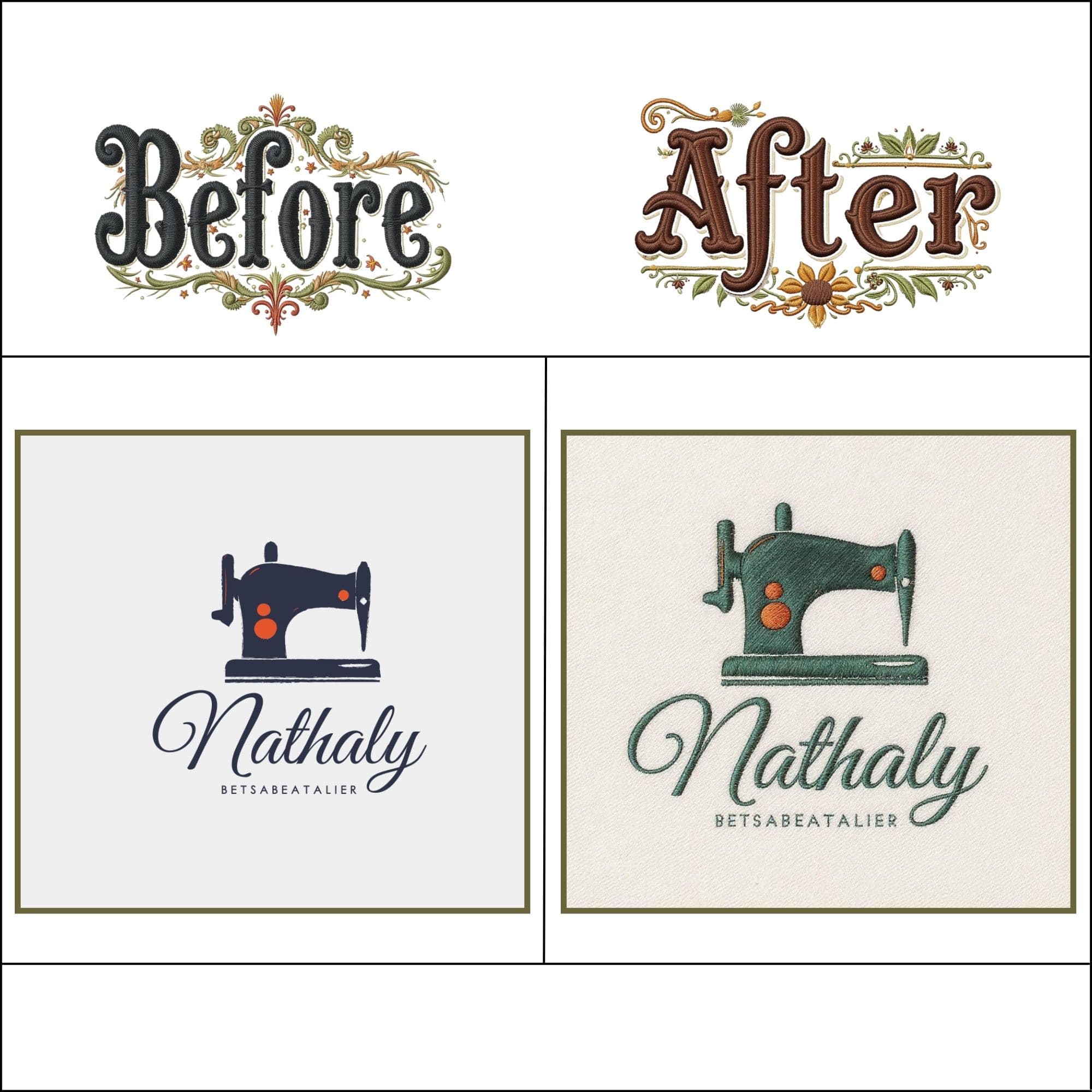
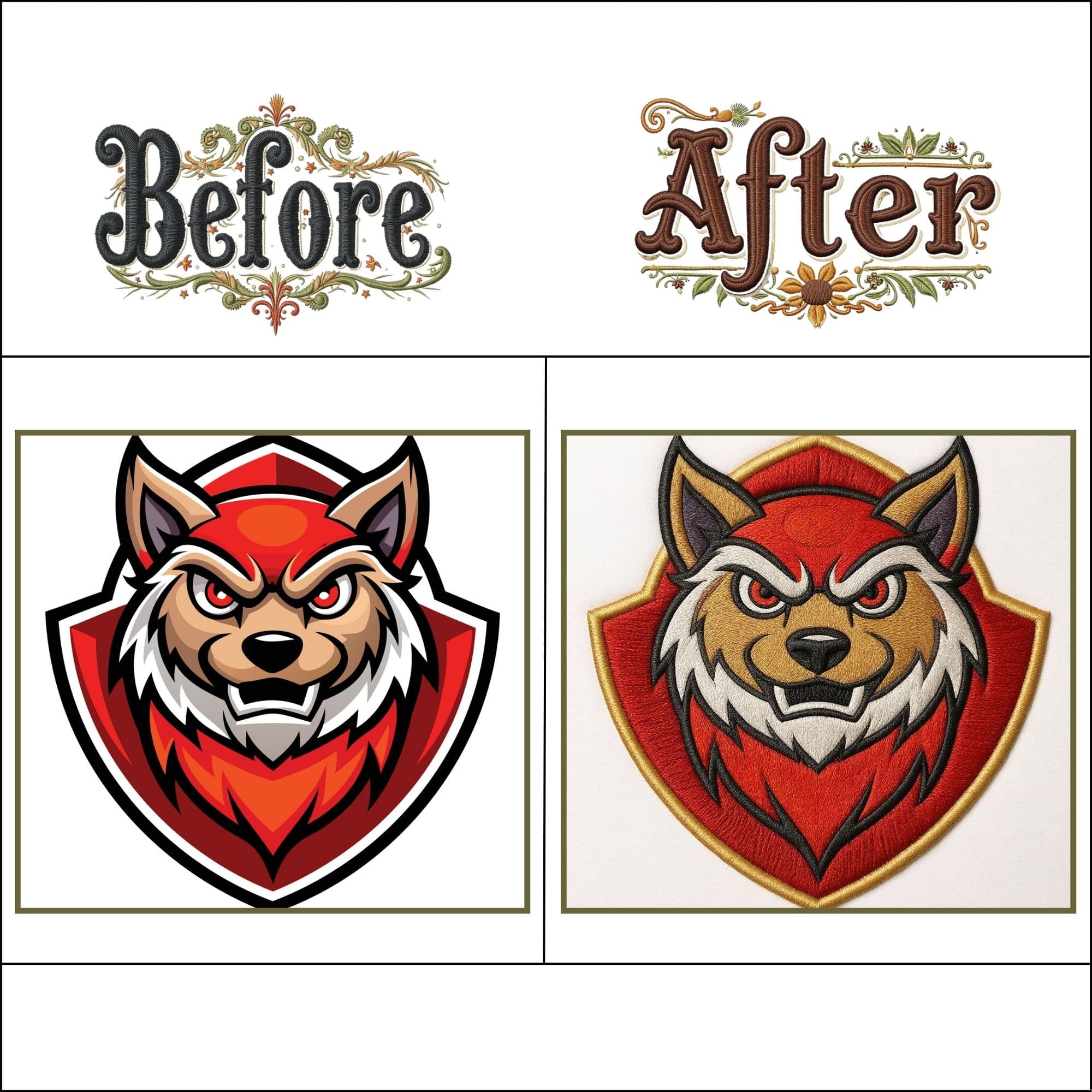
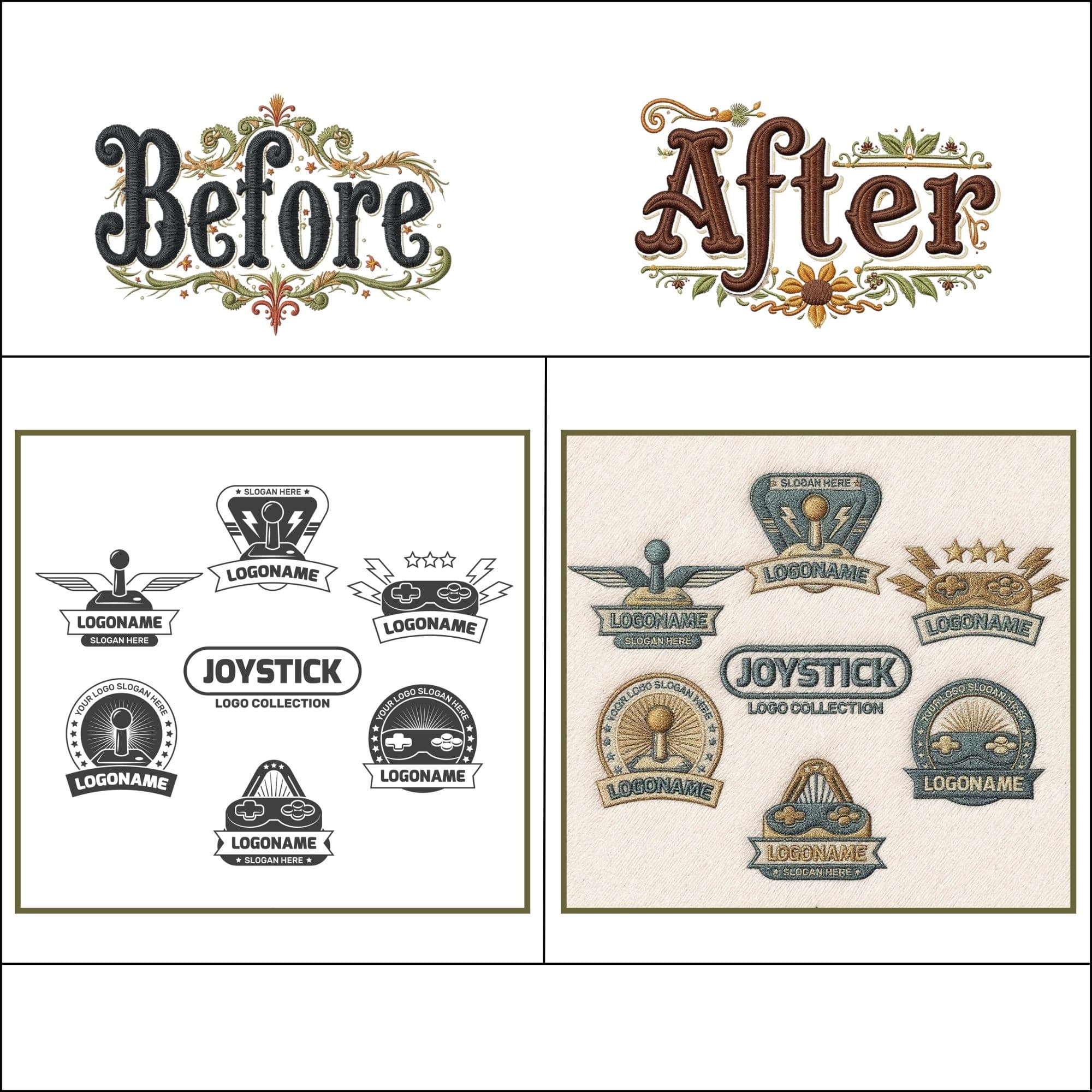
Can I use a photo of my logo taken with my phone?
Yes. As long as the design is in focus and not at a steep angle, we can redraw it. Try to shoot it straight on in good light.
My JPG has lots of colors. How many threads will I need?
We reduce gradients and shading to a small set of real Brother thread colors — usually 2 to 8. You’ll see the final palette on the PDF proof.
Will the white background be stitched?
No. We remove the JPG background during digitizing, so only the design itself is stitched.
Is JPG to PES different from PNG to PES?
The result is the same PES file. JPGs just need a bit more cleanup — background removal and sharper edges — which is included.
Which Brother machines can open the file?
Any Brother or Baby Lock machine that reads PES, including the PE, SE, Innov-ís, PR and Luminaire series.
Ready to stitch your JPG?
- From $4.99
- Delivered in about 1 hour
- Free revisions